EasyManua.ls Logo

Datalogic DS5100 - Accessories

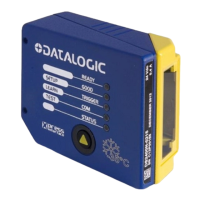
Datalogic DS5100
164 pages
Print Icon
To Next Page IconTo Next Page
To Previous Page IconTo Previous Page
Loading...
INTRODUCTION
39
2
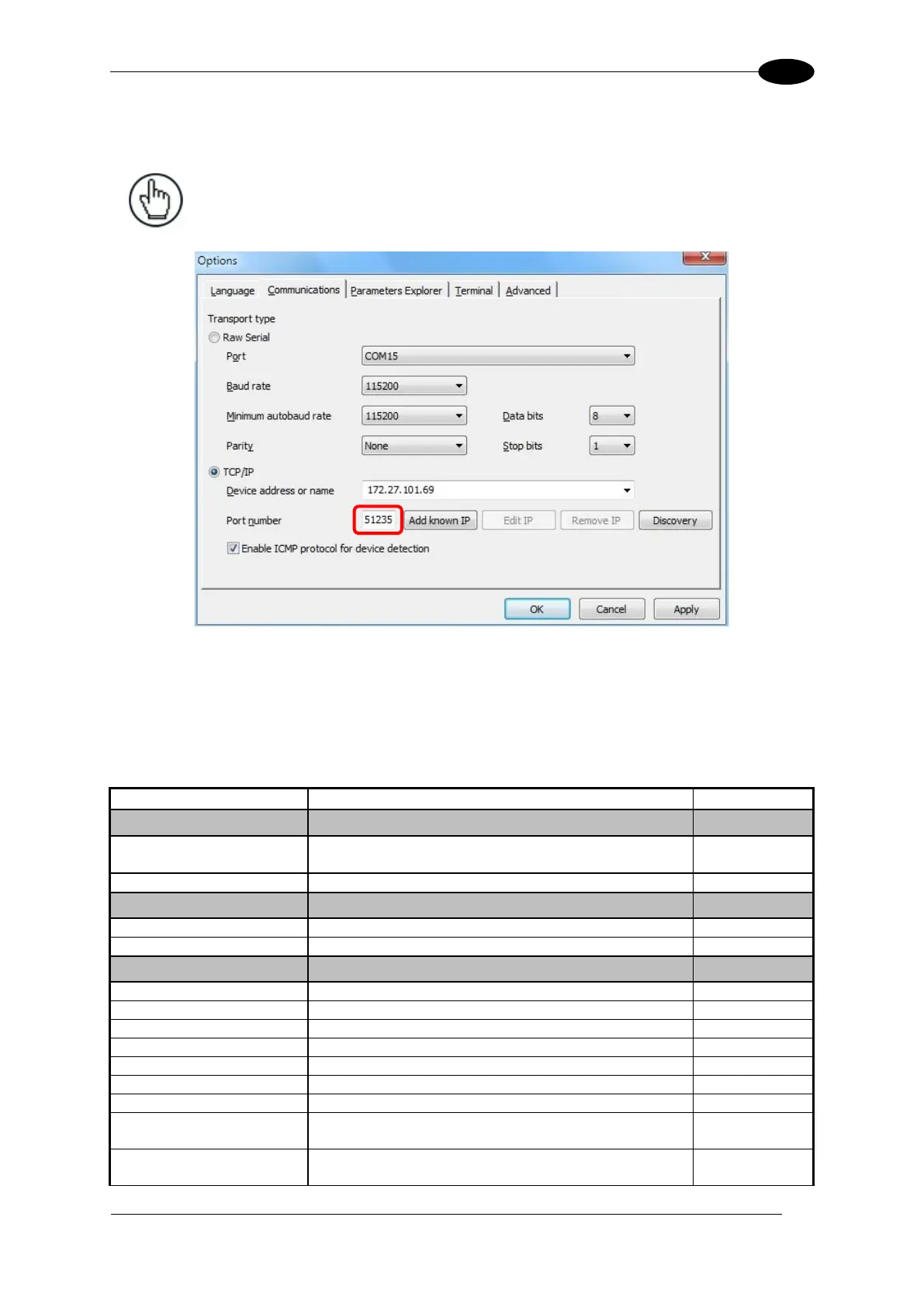
4. Click OK to return to the Communications folder. You will see the updated IP address
in the "Device address or name" field.
NOTE: The Port number used to connect to Genius must be 51235 (default).
5. Click OK to return to Genius and perform a Device>Get to connect to the device.
2.11 ACCESSORIES
The following accessories are available on request for the DS5100:
Name
Description
Part Number
Mirrors
GFC-40
105° Deflection Mirror
(only for DS5100-XX00 Linear readers)
93ACC1785
GFC-400
(only for DS5100-XX00 Linear readers)
93ACC1867
Brackets
BK-4000
L-Shape Bracket
93ACC1837
BK-4001
U-Shape Bracket
93ACC1838
Connection Boxes
CBX100
Compact Connection Box
93A301067
CBX100 All-In-One
Compact Connection Box + BM100
93A301076
CBX100 LT
Compact Connection Box Subzero
93A301069
CBX100 LT All-In-One
Compact Connection Box Subzero + BM100
93A301085
CBX500
Modular Connection Box
93A301068
BM100
Backup Module
93ACC1808
BM150
CBX500 Display Module
93ACC1809
BM200/210
Ethernet TCP/IP Module STD/IP65
93ACC1851,
93ACC1852
BM300/310
Profibus Module STD/IP65
93ACC1810,
93ACC1811

Table of Contents

Related product manuals