SG4 BASE
38/73
7.2 RESET
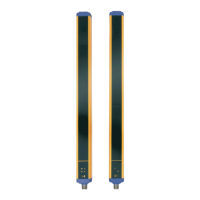
The RX light curtain has a RESET function which is activated after an internal error.
The reset can be made only in case of optical error, OSSD error EDM or manual/automatic restart selection (see
cfr.USER INTERFACE AND DIAGNOSTICS page 41).
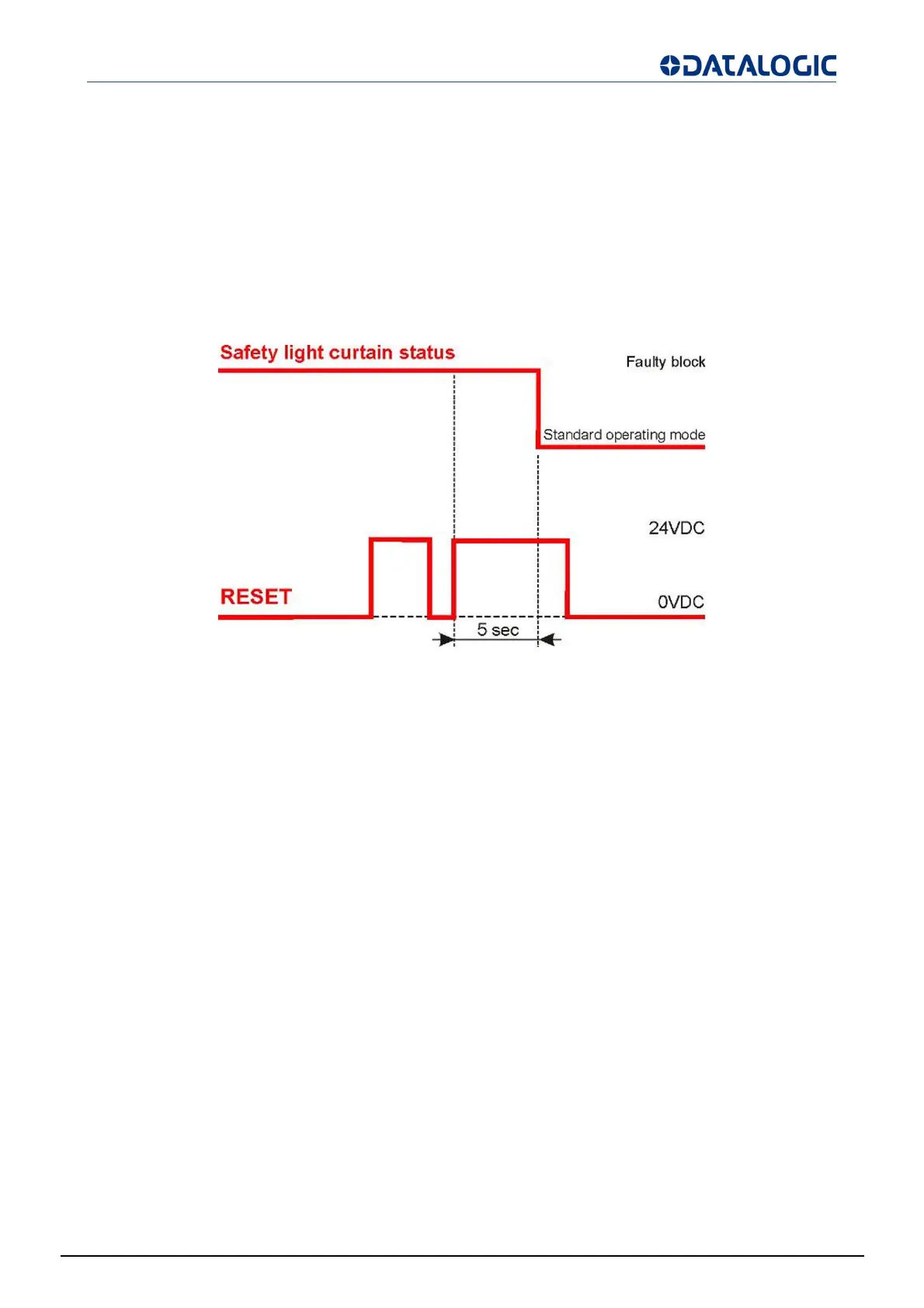
The RESET function can be activated by keeping a normally open external contact (RESET/RESTART push-
button), open for at least 5 seconds.
The RESET signal is active high.
Fig 37 - Reset timings


 To Next Page