DI-2008 Hardware Manual
Installation
7
3. Installation
The following items are included with each DI-2008 USB Data Acquisition System. Verify that you have the follow-
ing:
• A DI-2008 USB data acquisition instrument.
• 6-foot USB cable.
• A DATAQ Instruments screwdriver for sig
nal lead connections.
If an item is missing or damaged,
call DATAQ Instruments at 330-668-1444. We will guide you through the appropri-
ate steps for replacing missing or damaged items. Save the original packing material in the unlikely event that your
unit must, for any reason, be sent back to DATAQ Instruments.
Install WINDAQ Software
All software for the DI-2008 can be installed via a download-able executable directly from the DATAQ Instruments
web site. No CD is shipped with the device. You may burn the executable onto a CD or USB drive to transport the
software to a computer with no internet connection.
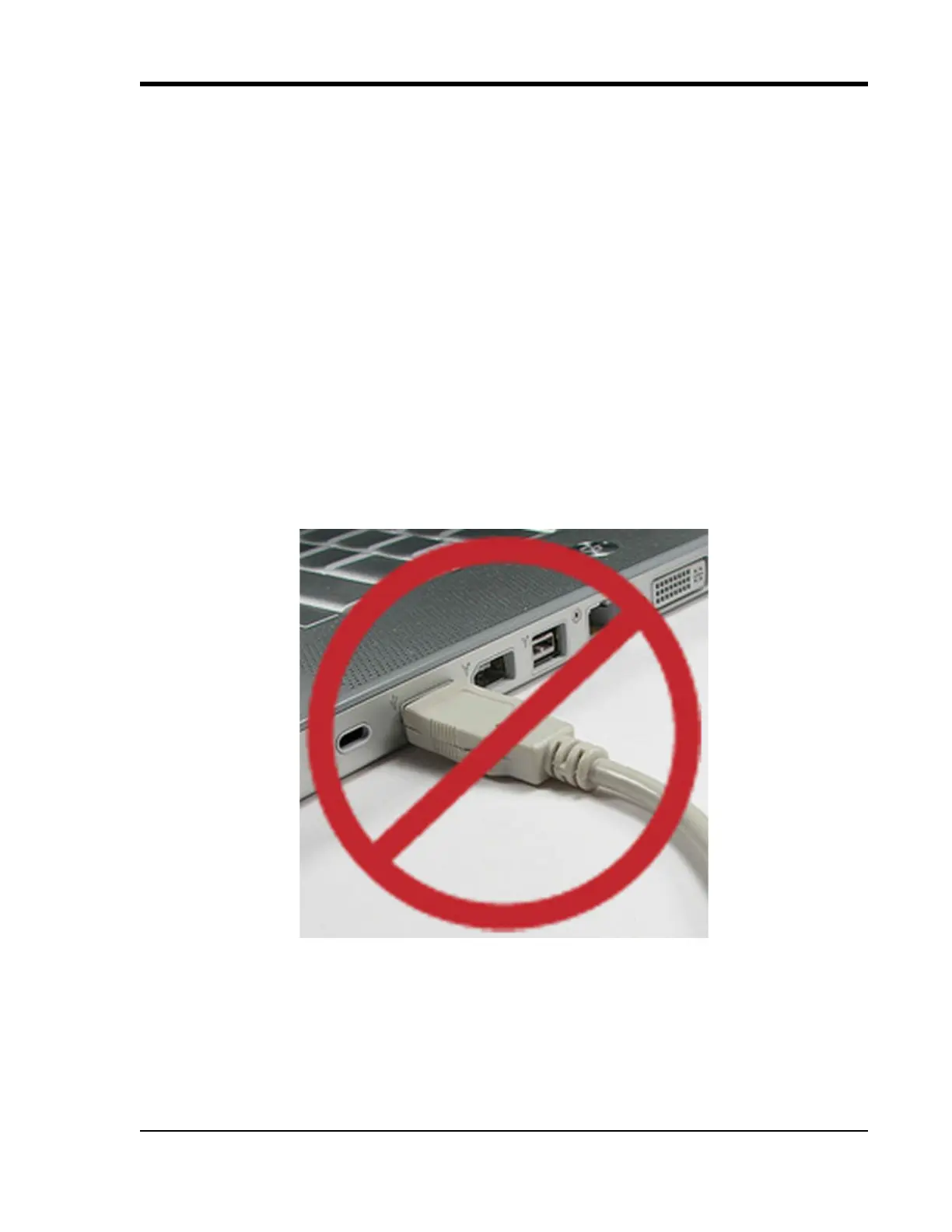
1. Disconnect all DATAQ Instruments USB devi
ces from your Computer.
2. Go to http://run.dataq.com.
3. You must subscribe to our newsletter in order to get the softw
are download link (you can opt-out after down-
load).
4. Save the file to your local hard drive.
5. Double-click on the downloaded f
ile to extract the program and begin software installation.


 To Next Page