DI-2008 Hardware Manual
Unlock WinDaq
27
5. Unlock WinDaq
The DI-2008 will record data from a single device without feature limitations using WinDaq/Lite software. An
unlock code is required to record data from more than one device. Go to https://www.dataq.com/products/di-2008/ to
purchase the unlock code (click on the Accessories tab) or call 330-668-1444. Once purchased, you will be given a
Key code to enter into WinDaq. Note that WinDaq/Unlock is not required to use ChannelStretch if programming the
instrument yourself.
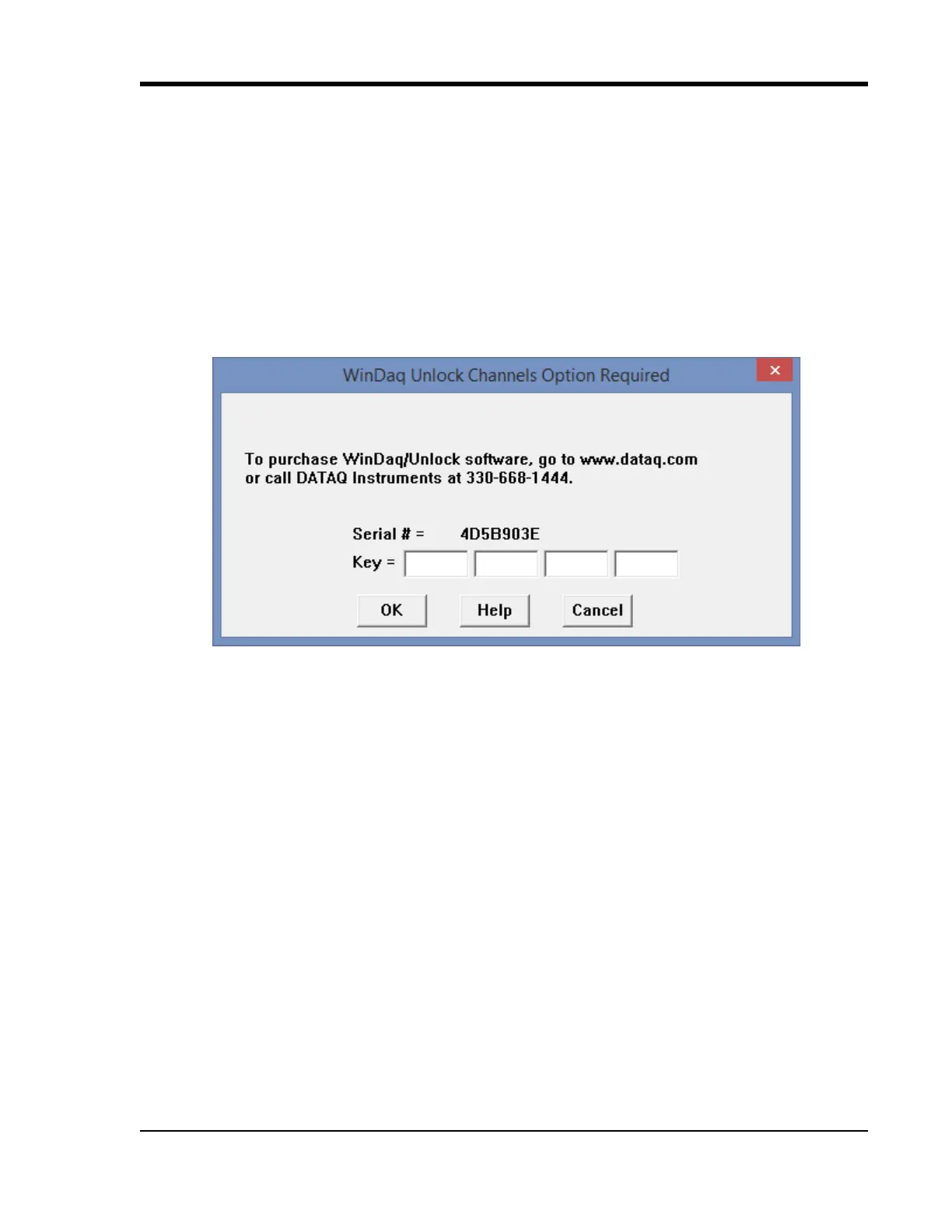
1. Start WinDaq Acquisition software.
2. Click the menu item Hel
p > Unlock WinDaq.
3. Enter the Key in the appropriate dialog boxes.
4. Click OK.
You can now record all the channels available on your device.


 To Next Page