PTZ TELEPROMPTER KIT TP-900
11
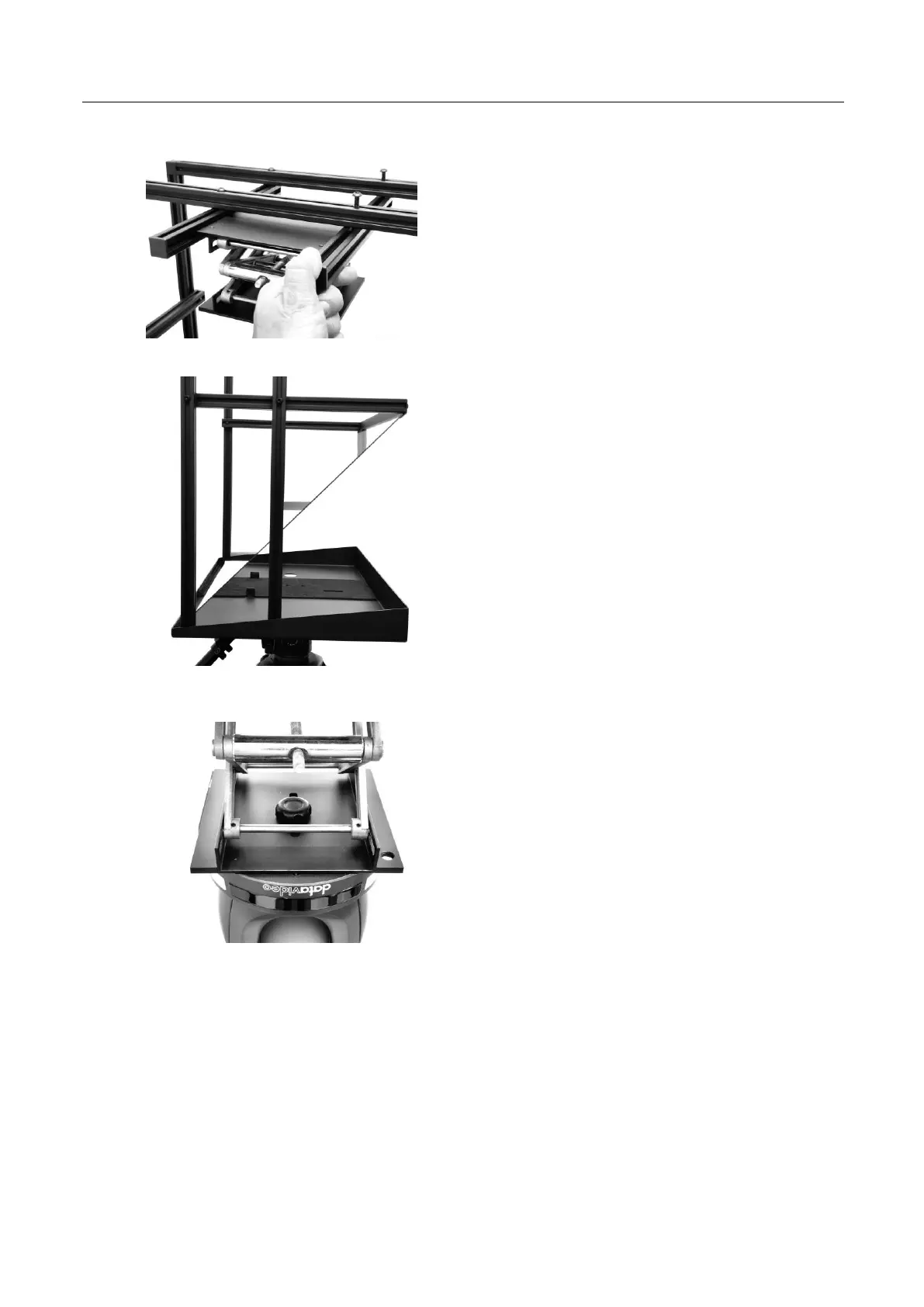
8. Attach the second 250mm PTZ lift extrusions with
both end caps, Item S using the M6*40mm
screws, Item L and M4 CRV hex tool, Item I.
9. Insert the 70/30 mirror glass, Item T with the
two green dots facing the talent.
10. Secure the 70/30 mirror glass, Item T by
installing the Glass support bar, Item U
using the M6*14mm screws, Item M and
M4 CRV hex tool, Item I.
.
11. Attach your PTZ camera to the 150 x 150 PTZ
Scissor Lift, Item G with the 9mm long ¼ thumb
screw with washers, Item K. The washer(s) can
be removed as required.
12. Adjust the position of the 150 x 150 PTZ Scissor
Lift, Item G as required.
Tip: Position the PTZ lens as close to the 70/30 mirror
glass as possible to achieve the best range of pan.



 To Next Page