PTZ TELEPROMPTER KIT TP-900
26
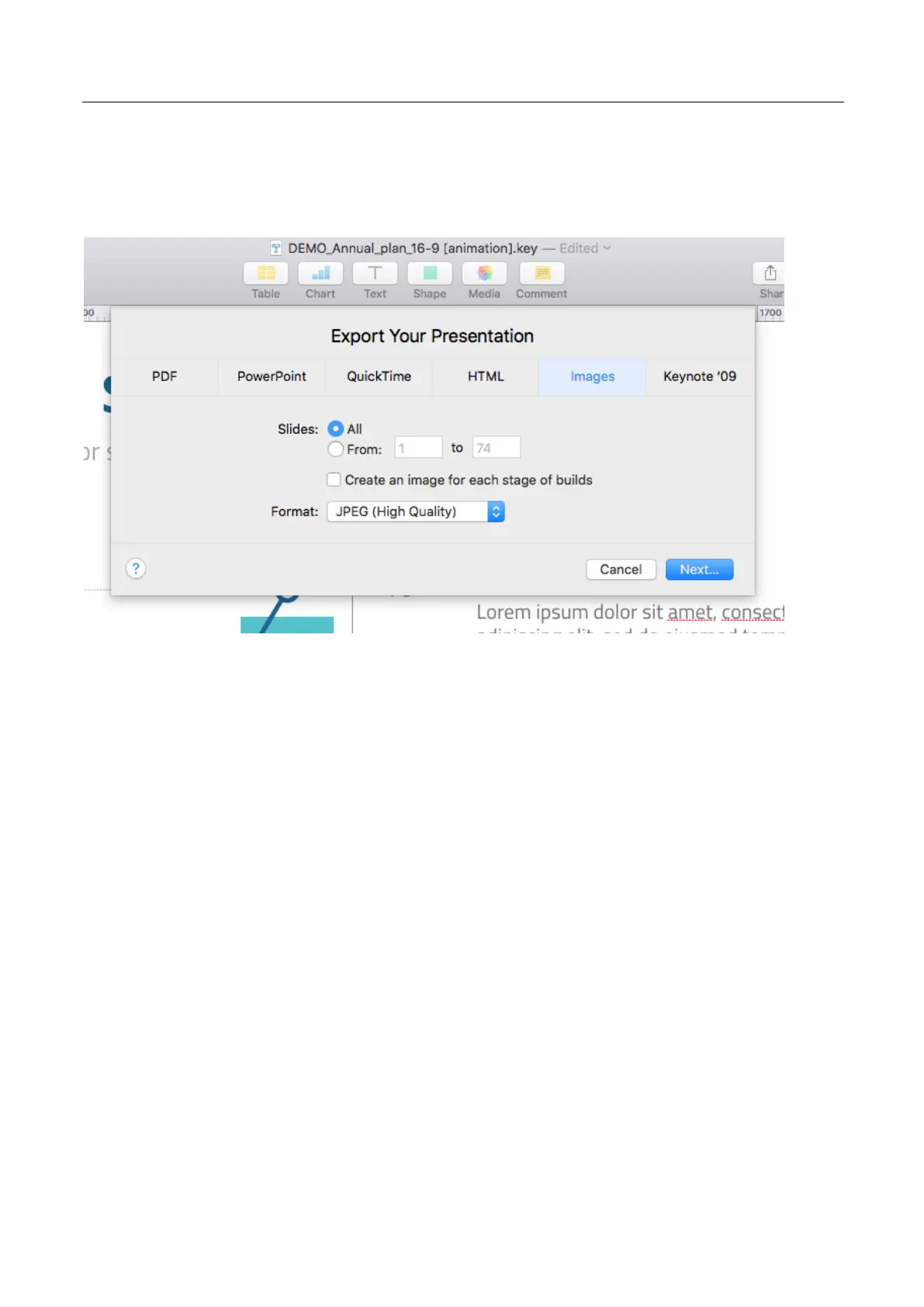
Exporting slides from Keynote
1. Before you convert slides to images, save your presentation so you don't lose your work.
2. In the top menu select ‘File’ > ‘Export to’ > ‘Images’
3. Select the ‘JPEG (High Quality)’ format and specify the range of slides that you want to save as
images. If you want to save all the slides, check the point ‘ALL’.
4. Click ‘Next’
5. In the opened window select the folder where you want to save the images. Set the default
name for the slide. During the export, KeyNote will automatically add the sequence number to this
name.



 To Next Page