DP-50 / DP-50D / MP55-B - USERS MANUAL
Example: Programming the name and the price of an item
1.Make daily financial report ( OFF,3,password,TOTAL)
2.Enter into mode for programming of main parameters (OFF,4,password,TOTAL,1)
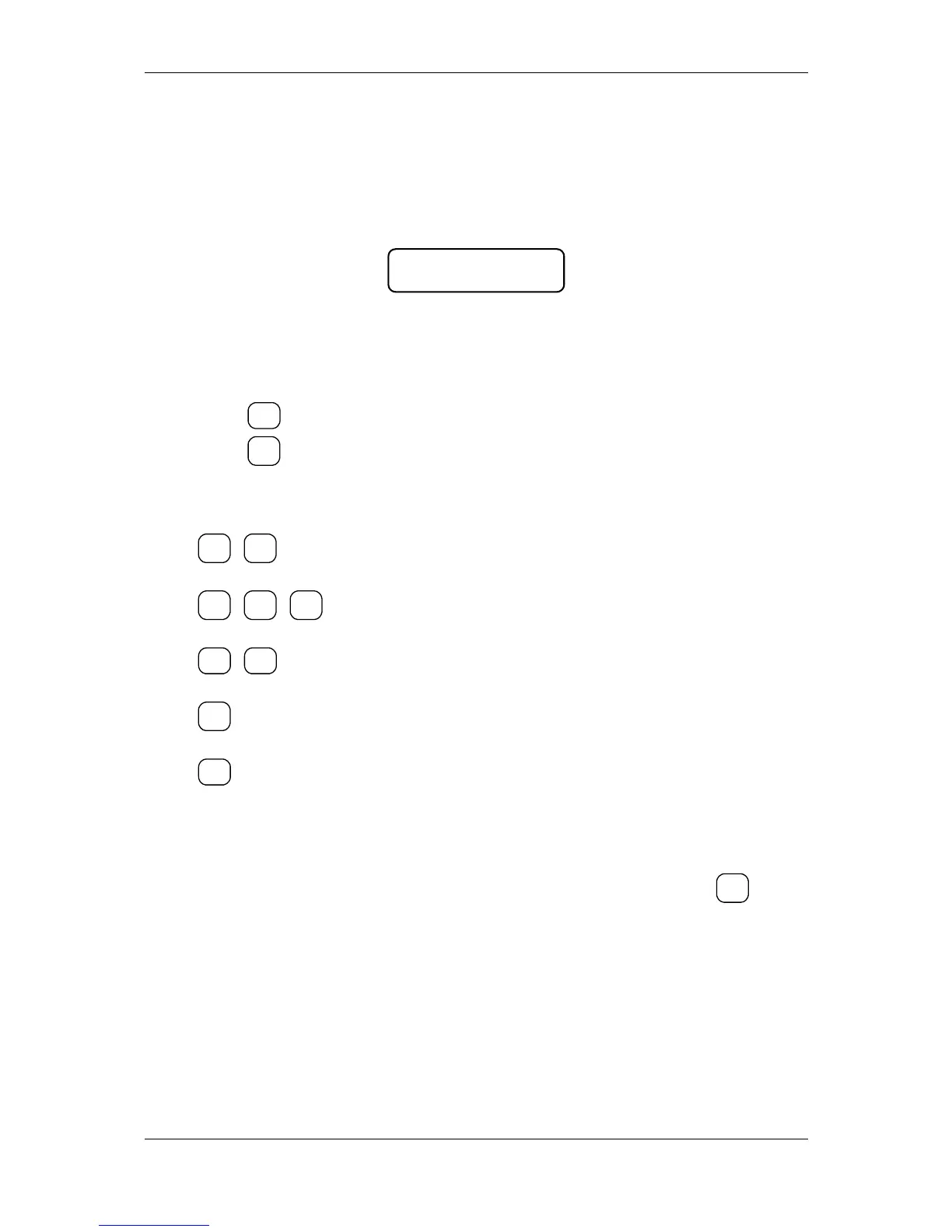
3.The initial position is Table 1 field 1 row 1 ( editing of item parameters). On the
display are shown the name of the current item and the address value, for example:
Note: When the symbol "=" is shown in the left lower corner on the display, this
indicates non-zero turnover for this item. In this case it is not allowed to edit the
name, the PLU code and the tax group for this item. In order to change these
parameters the turnover must be cleared.
4. Press key
in order to move on the field 1.1.2.22 – items name;
5. Press key
in order to move in “editing” mode;
6. Enter the name of the item (”BREAD”) as the follows:
B
7. Accept the writing by pressing TOTAL;
8. In order to program the price move to the next field by pressing the key
;
9. Enter the price;
Note: The position of the decimal point always is fixed and can not be programmed
when the price field is changed.
10. To accept the new value, press TOTAL.
In similar way can be programmed the parameters stored in the other tables.
It is obligatory the “tax group” parameter to has acceptable value.
19


 To Next Page