14: Maintenance
PRC1099A-MS 14-11
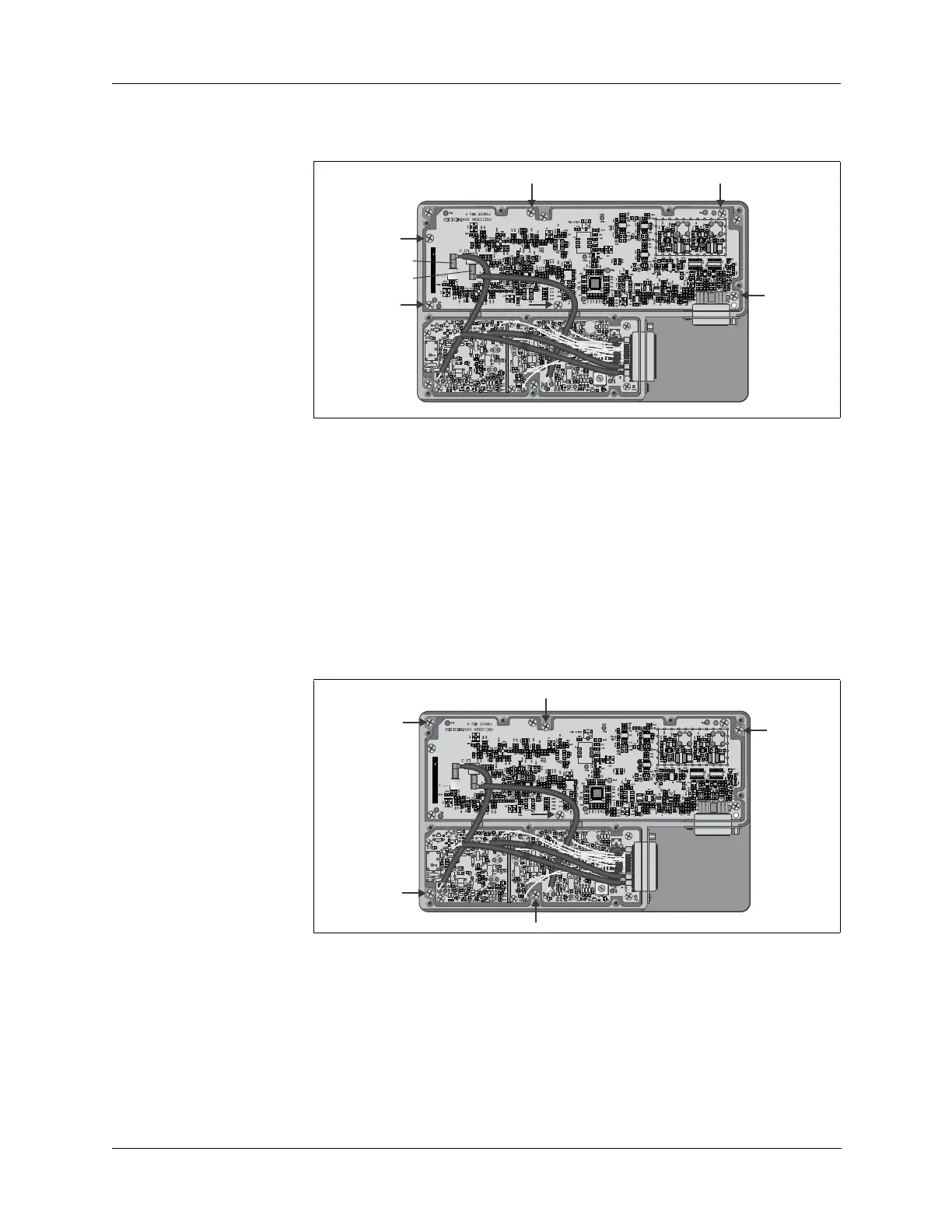
5. Remove the six mounting screws shown below and then lift the
Synthesizer board out of the tray.
6. Reverse this procedure to install the new Synthesizer board.
Remove and
Replace the
Processor Board
To remove and replace the Processor board:
1. Disassemble the radio chassis (refer to “Chassis Disassembly” on page
14-4).
2. Remove the 11 flat head tray cover retaining screws and remove the
cover (refer to “Remove and Replace the Mixer Board” on page 14-9
step 3).
3. Remove the five retaining screws in the Mixer/Synthesizer tray and lift
the tray off the chassis frame.
Mixer Board
J1
Synthesizer
Board J1
LO1
LO2
Mixer Board
J1
Synthesizer
Board J1



 To Next Page