31
4. Unit configuration and programming
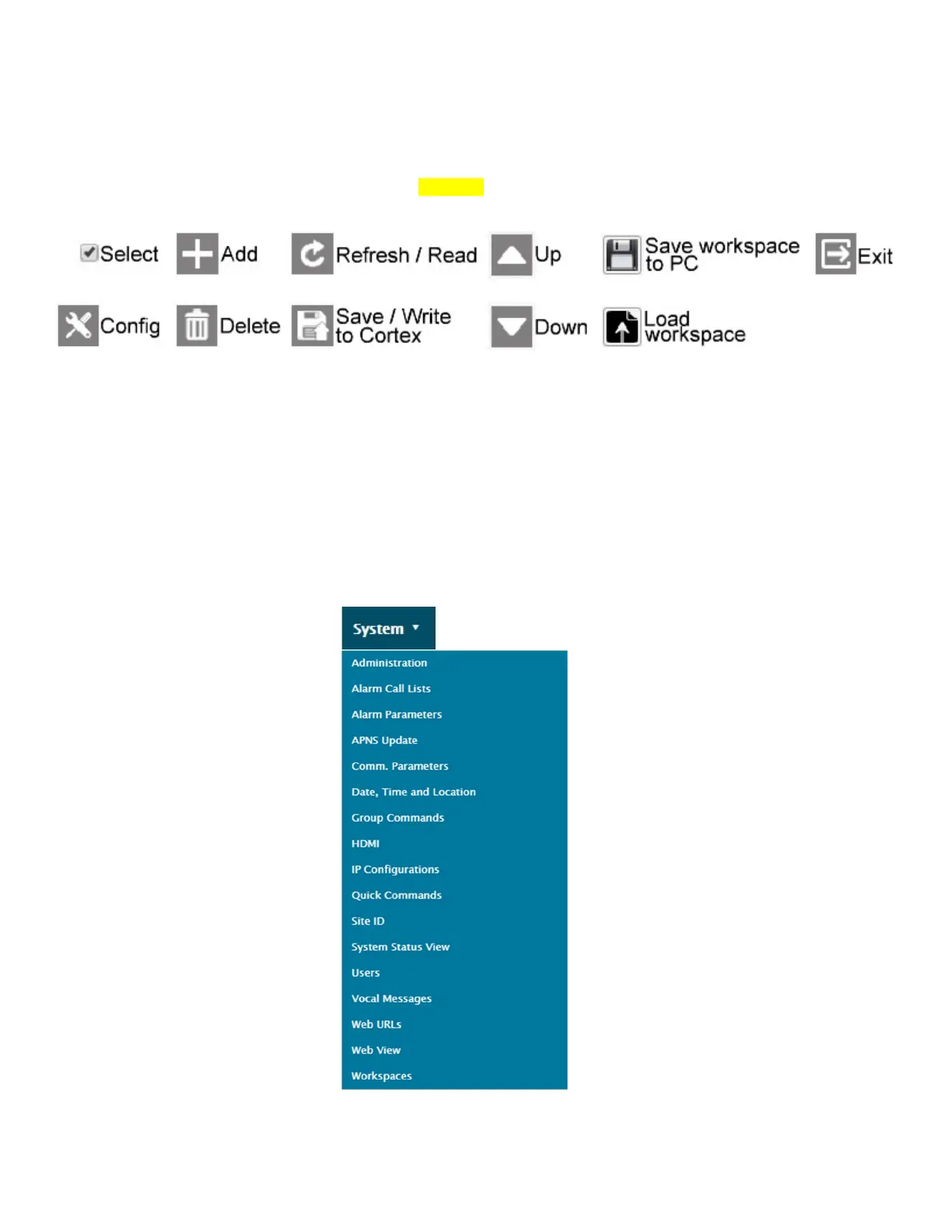
Before setting inputs or outputs, some basic system settings should be reviewed or configured. These settings are mostly
found under the System tab.
Several icons appear regularly in the Cortex menus. They are:
4.1. Menus and option accessibility
Some of the commands listed in the different menus require users to have sufficient access rights, the appropriate access
level, or to be in control of the unit in order for these commands to be available. Commands that are not available will show-
up as grayed out or not appear at all.
4.2. System menu
The System menu contains settings that are mostly related to the way the unit is accessed, how it calls out or how it logs
information. In this manual, we will cover only the most important points to quickly get a system up and running.



 To Next Page