44
Version of the SNMP alarm Traps: Trap V1, Trap V2, Inform V2
7 – PORT
IP Port of the SNMP Traps. Default is 162, but can be changed as required.
8 – COMMUNITY
Name of the community for the SNMP Traps.
9 – SNMP V3 AGENT SETTINGS
To come.
10 – SNMP V3 ALARM TRAP SETTINGS
To come.
11 – SEND TEST TRAP TO
Sends a trap to the device’s IP adress specified in this field.
12 - TEST TRAP
Generate a Trap for test purposes.
13 – REFRESH / READ
Refresh / read the screen content.
14 – SAVE
Save the screen content.
15 – EXIT
Exit menu.
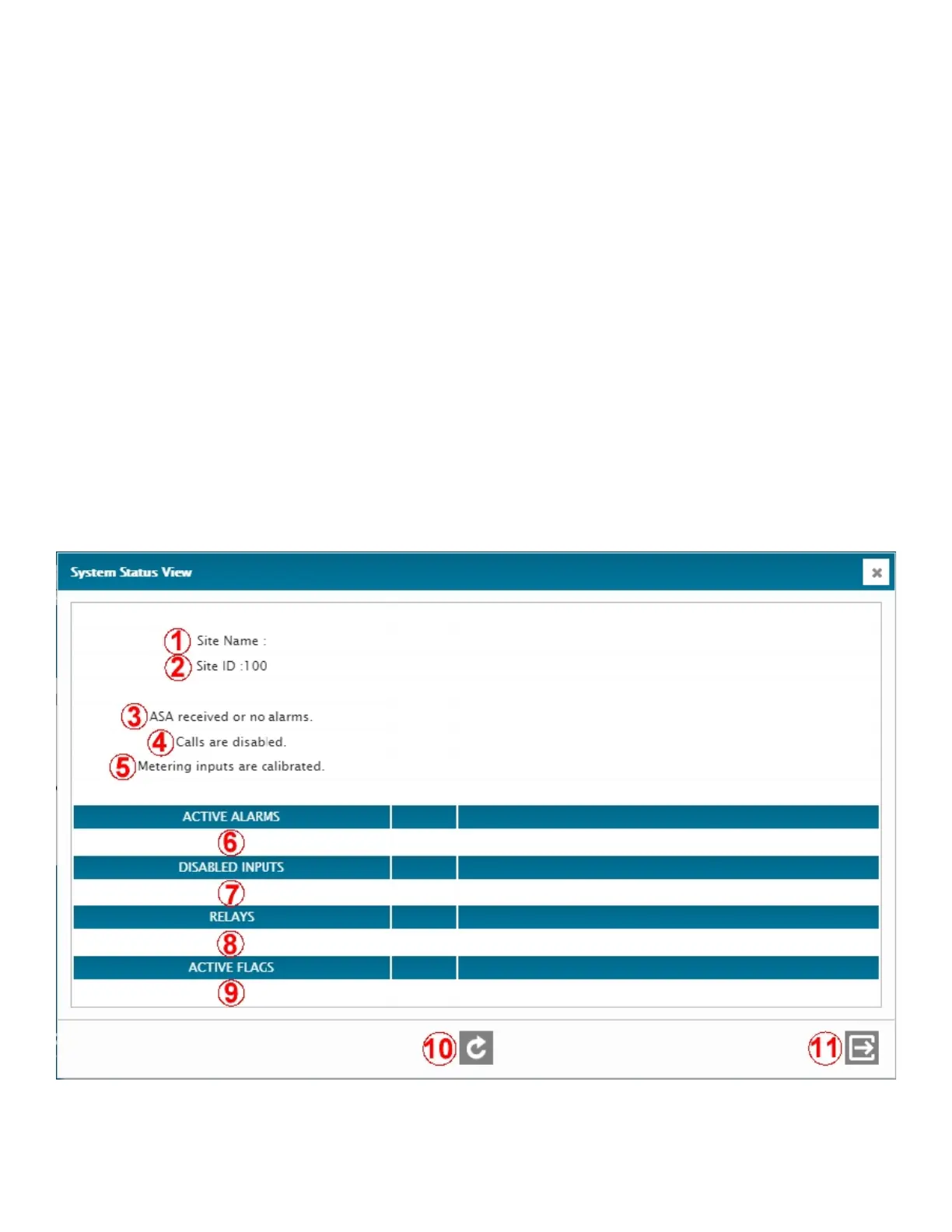
4.2.5.System Status View
The System Status View is a screen that shows information and overall status of different settings and I/O’s at the site.It
shows, at a glance, the general status of the site and whether any alarms are active or inputs disabled.



 To Next Page