90
6.6. Loading a Workspace
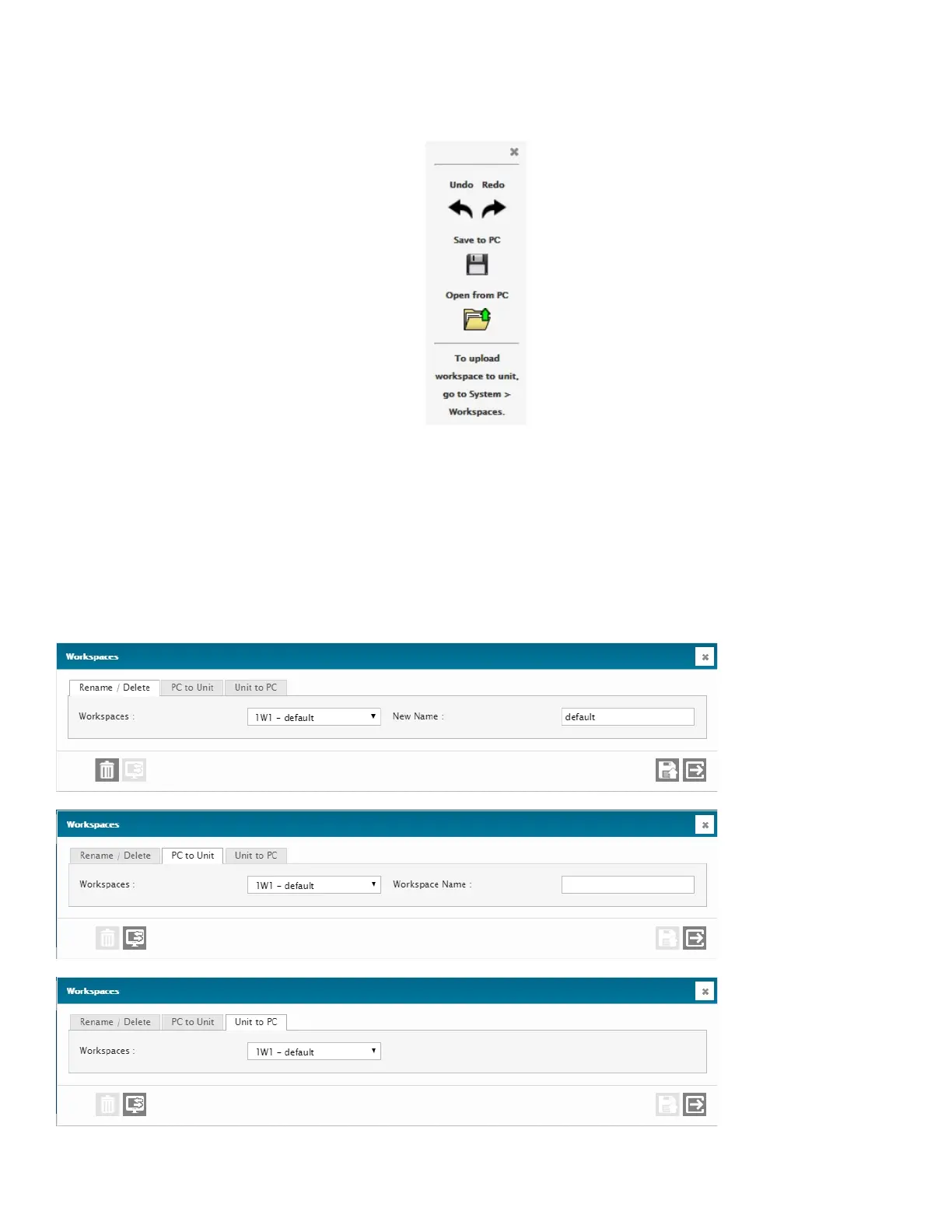
To load a Workspace from your PC, use the Open from PC button on the Floating Toolbar.
You will be asked if you wish to merge this new Workspace with the one already being used. If you answer yes, the new
Workspace will be added as new Tabs in the browser’s display.
After being asked if you wish to merge your Workspace, you will be asked to select the file that you wish to open from your
computer’s file browser. Select the file and it will then be loaded into the browser for display.
6.7. Uploading and Downloading Workspaces to and from a Cortex
The System>Workspaces drop-down menu has previously been explained in section 4.2.9



 To Next Page