50
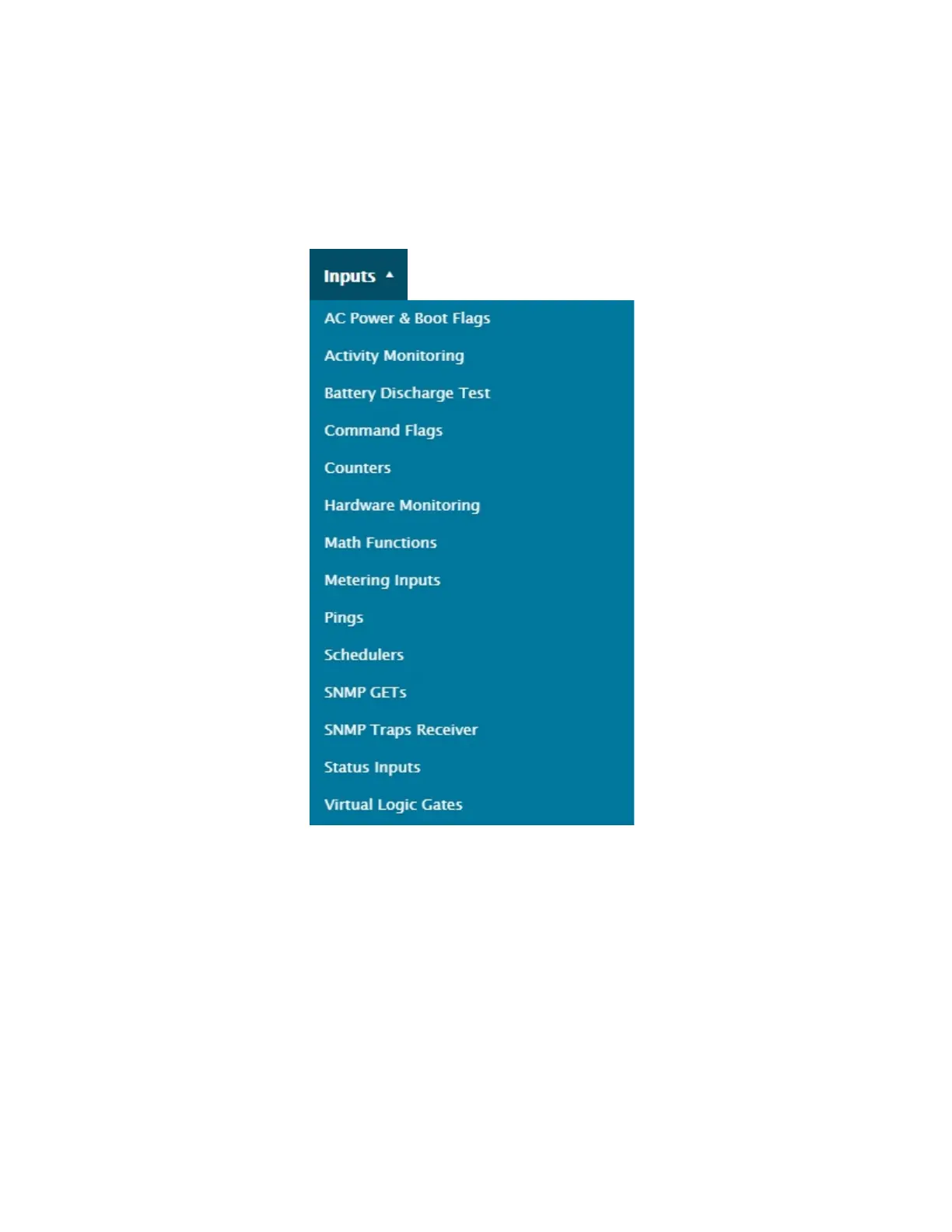
4.3. Inputs menu
VERY IMPORTANT: The Cortex menus and screens are dynamic and user-dependent, meaning they will show
more or less information based on a user’s access level, and whether a user is in control of the unit or not. If you
notice that certain buttons or control/command settings seem to be missing or are greyed-out, first check if you are
(still) in control, or make sure you have proper access level / access rights.
4.3.1.Generic Input Menus
The Cortex inputs have 3 very similar-looking menu screens which recur frequently. This section provides information on
these 3 generic screens. They are explained here to avoid repetition, but particularities will be mentioned when applicable.
Most screens initially appear empty and will fill-up as entries are added, while some others come with items already listed.



 To Next Page