87
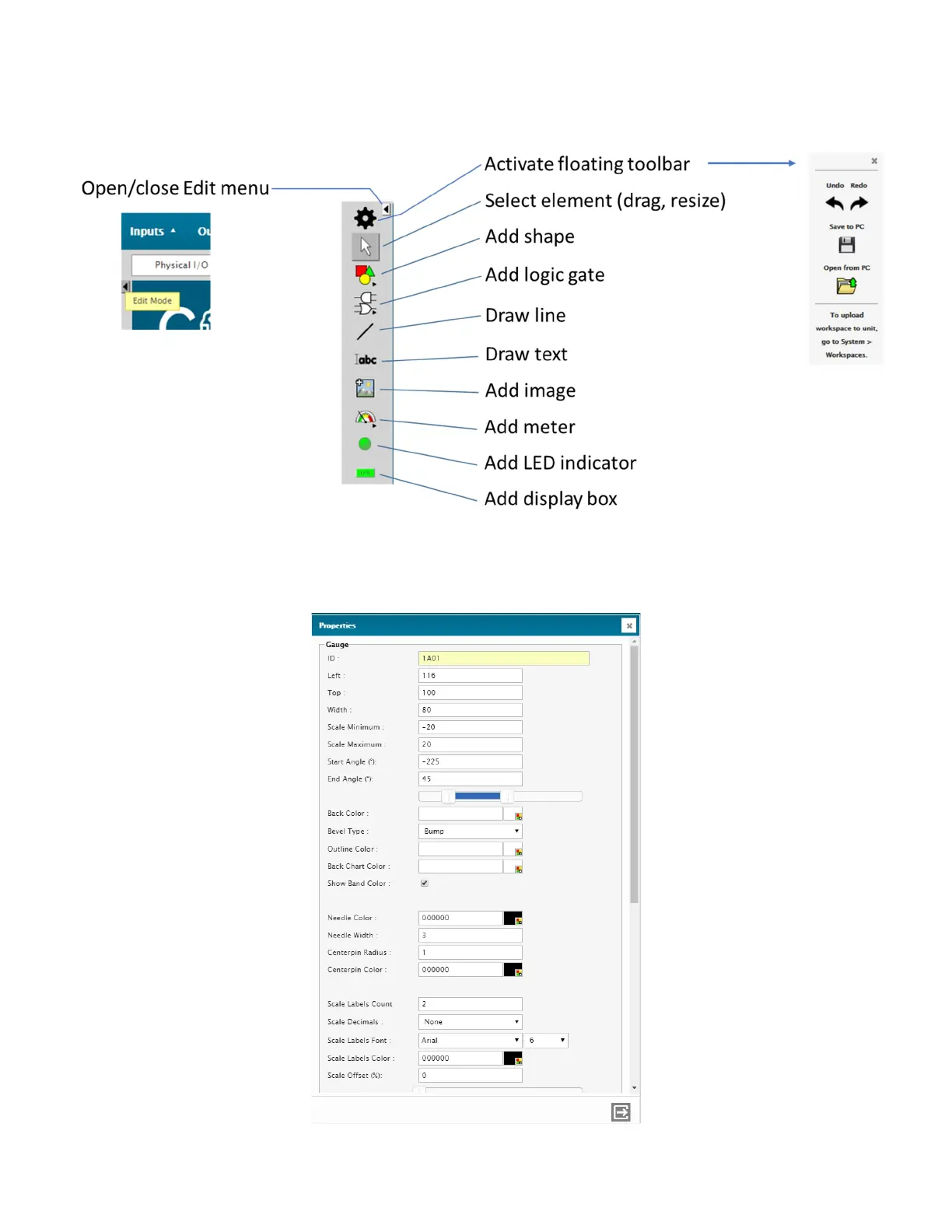
To create or edit a workspace, click on the small arrow found on the left side of the screen: this will activate the Edit Mode.
An edition menu will appear. This menu contains the tools you need to built workspaces.
Once you have added an object, right-click on it and then open the Object Edit menu. You can then complete the fields as
required, the most important one being the ID field where you must enter the Input ID of the reading in the Cortex that you
wish to connect to this graphic object.



 To Next Page