28
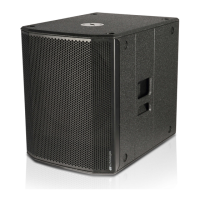
SUB 915 - SUB918 Code 420120322 REV. 1.0
4. TROUBLESHOOTING
1. Check that power supply is present upstream of the installation.
2. Ensure that the power supply cable is properly plugged in.
1. Check that the input connection of the audio signal is correctly performed.
2. Check the cables for damage.
3. Ensure that the mixer or audio source is on and an output signal is present.
4. Check the general level through the "Input Sensitivity" control.
1. Check the cables for damage and replace them as required (a damaged cable may lead to signal loss or
alteration).
2. Check that the settings on the control panel are correctly set.
The subwoofer will not turn on:
The subwoofer turns on but produces no sound:
Loudspeaker sound is inappropriate:
English


 To Next Page