5
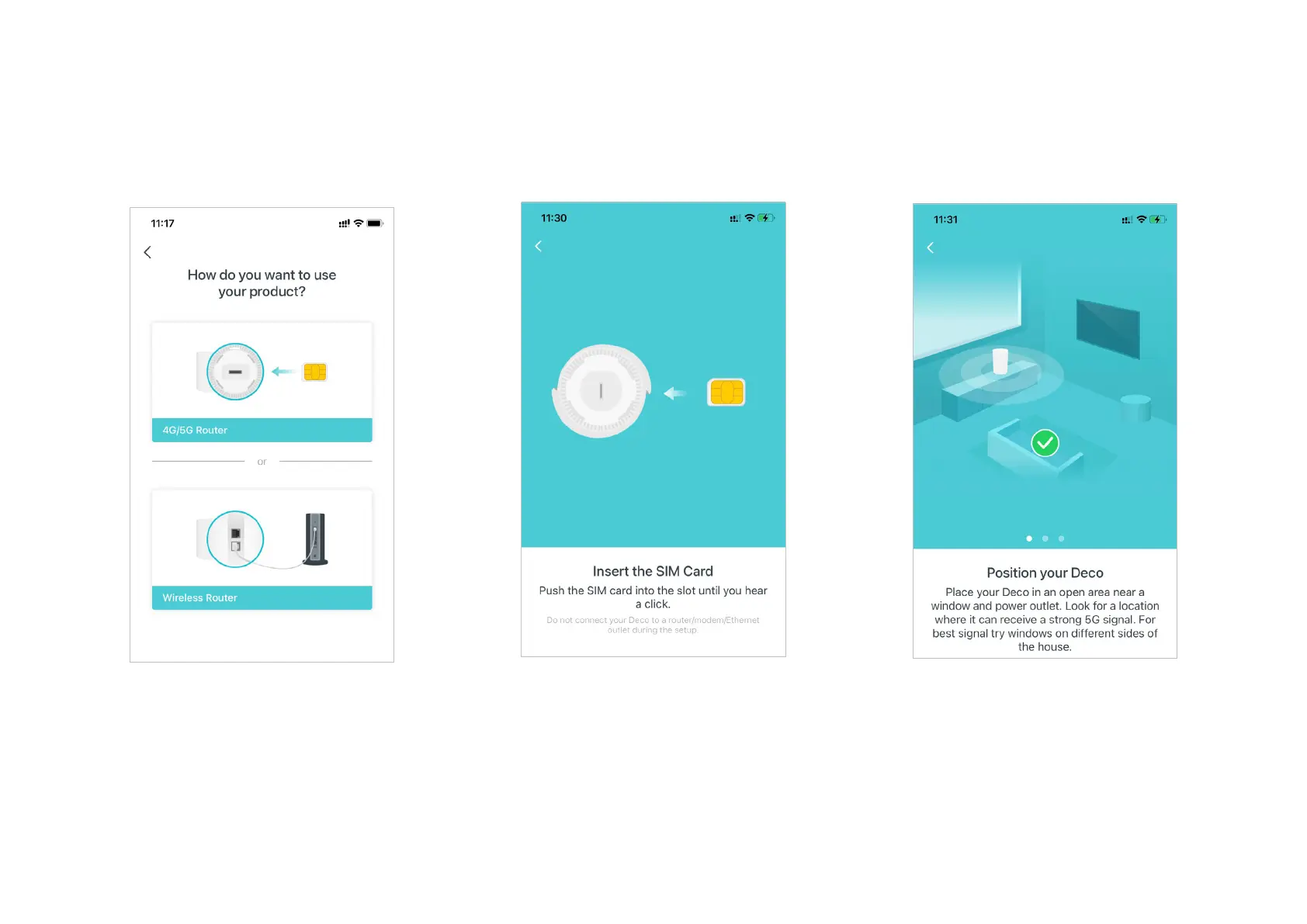
4. Choose an operation mode
Select 4G/5G Router.
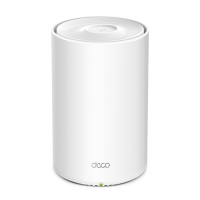
5. Insert the SIM card and power on Deco
Push the SIM card into the slot at the bottom
of Deco. Then Power on the Deco.
6. Position your Deco
Place your Deco in an open area near a
window and power outlet. Look for a location
where it can receive a strong 5G signal.


 To Next Page