STEALTH1
11
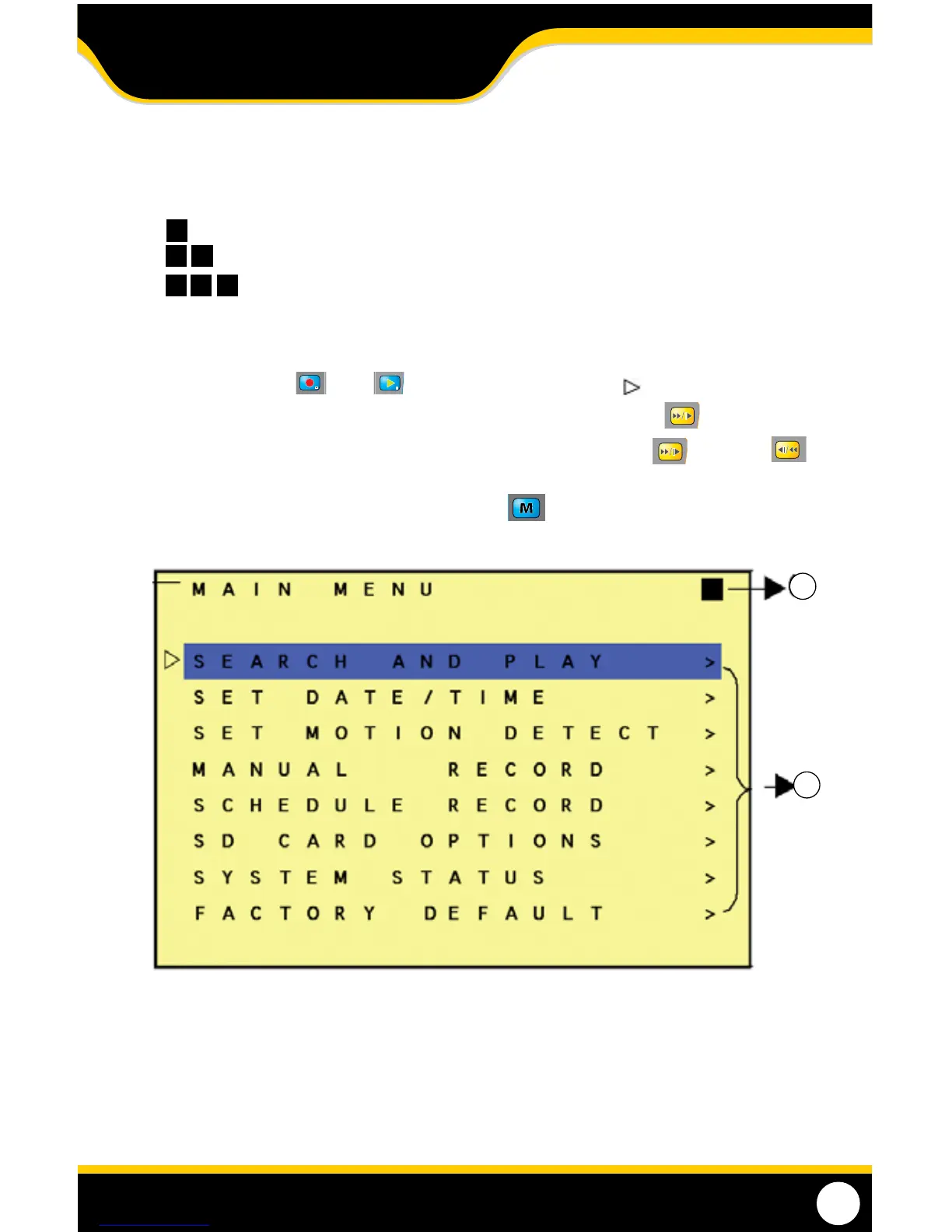
MAIN MENU
1. Menu Layer Indication.
The device consists of three menu layers:
First Menu (Main Menu)
Second Menu
Third Menu
2. MENU Content: Basic Menu Operations.
1. Press the Record
or Play buttons to move the highlight bar ( ) up or down.
2. When the menu option you want is highlighted press the fast forward button
to select the item.
3. When in a menu screen with adjustable settings, press thefast forward (+)
orrewind (-)
buttons to increase or decrease the setting that is highlighted.
4. To exit the menu you are in, press the menu button.
1
2
MENU SETUP



 To Next Page