STEALTH1
16
FACTORY DEFAULT
This menu allows you to restore the settings on your DVR back to original factory default settings.
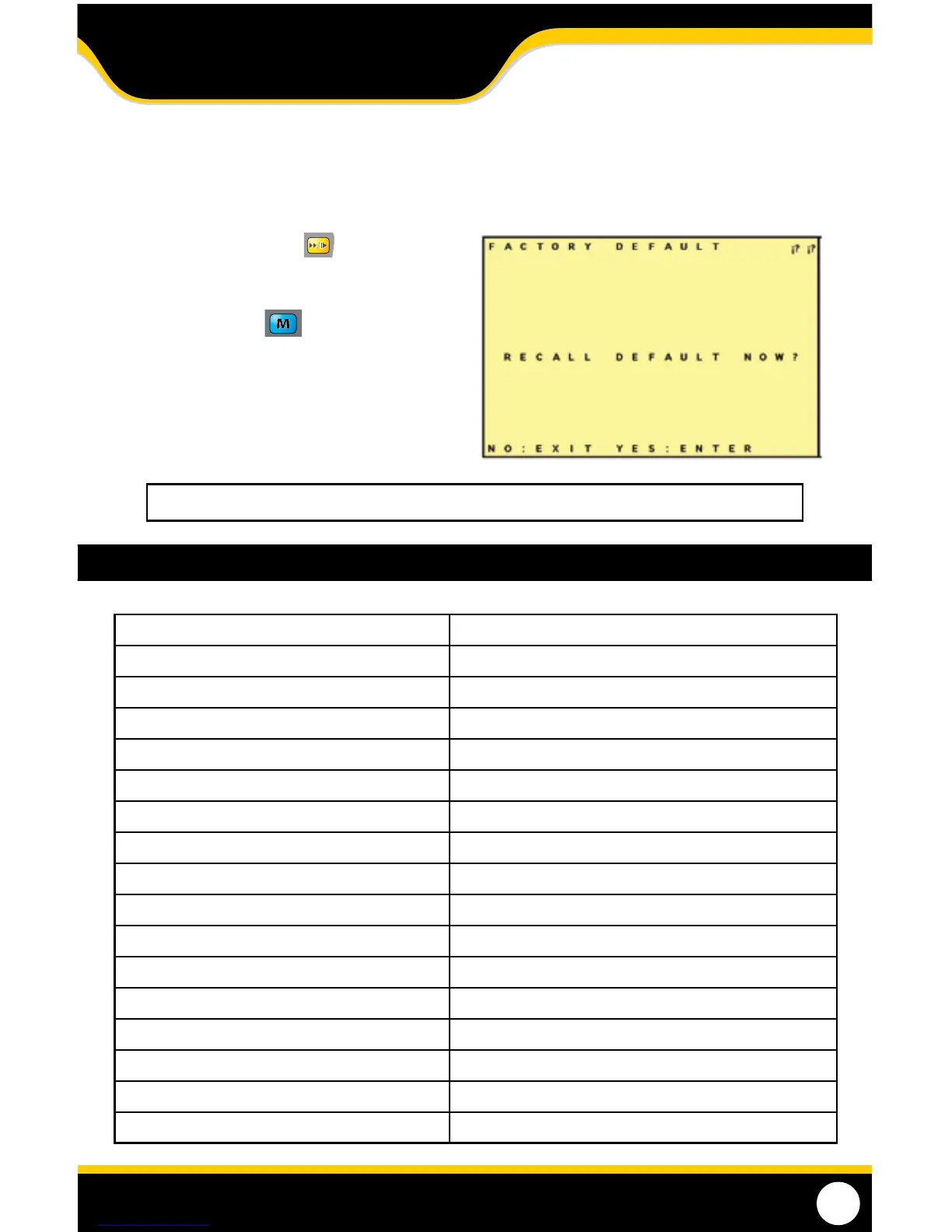
Once you enter this menu the words "RECALL DEFAULT NOW?" appear on screen:
1. Press the fast forward (+) button
to restore the DVR back to factory default
settings.
2. Press the menu button to exit and keep
your settings, this will return you to the main
menu and no changes will be made.
Note: Returning to factory default will erase all your settings (except date and time setup).
DVR SPECIFICATIONS
Functionality Simplex
Video Compression MPEG-4
Resolution 640 x 480, 320 x 240
Recording Frame Rate 320x240: 1~30FPS, 640 x 480: 1~12FPS
Recording Resolution VGA (640x480)/ QVGA (320x240)
Recording Qualities High, Medium, Low
Recording Modes Manual/ Schedule/ Motion Detection
Recording Media SD1.1/2.0 SD/SDHC Card, Max 32GB
Video Format NTSC/PAL
Video Display Output 1 CH RCA Composite
Live Viewing Single Screen
Live Resolution 640 x 480
Live Frame Rate 30 FPS
Play Search Mode By Date, Time
Play Speed Forward/Rewind: x1/x2/x4/x8/x16/x32
Play Mode Single Screen
OSD and System Menu Display Yes
MENU SETUP



 To Next Page