USER'SMANUALOFEMBEDDEDDIGITALVIDEORECORDER
Page 12 of 27
ChapterThree:DescriptionofOperationSystem
3.1Turnon/off
ConfirmthatACvoltageaccessiblematchestherequirementsofdigitalvideorecorder.Ensurethatthe
digitalvideorecorderpoweroutlettoagoodmiddlegroundtermination.Accesstopower,thedevicestarted
【POWER】 lightison,intothesystem,thepanelRUNlightflashingasnormalconditions.
3.2Preview
Previewscreencanbeseenimmediatelyafterequipmentisnormallystarts.Inthepreviewscreenyoucansee
thesystemdate,time,channelname.Presscorrespondingnumberkeyofpanelorclicktheleftmousebutton,
thenasingle image previewcanbe available;Press panel"QUAD"key orclickthe
leftmouse button,youcan
returntoamulti‐screenmonitoringstate.
3.3Menubasicoperationinstructions
3.3.1Entermenumode
【MENU】 keytoenterthedevice'smainmenuinterface.【PLAY】 shortcutkeystoenterplaybackinterface.
【REC】 shortcutkeystoentermanuallyrecordinginterface. 【PTZ】 shortcutkeysintoPTZcontrolinterface.
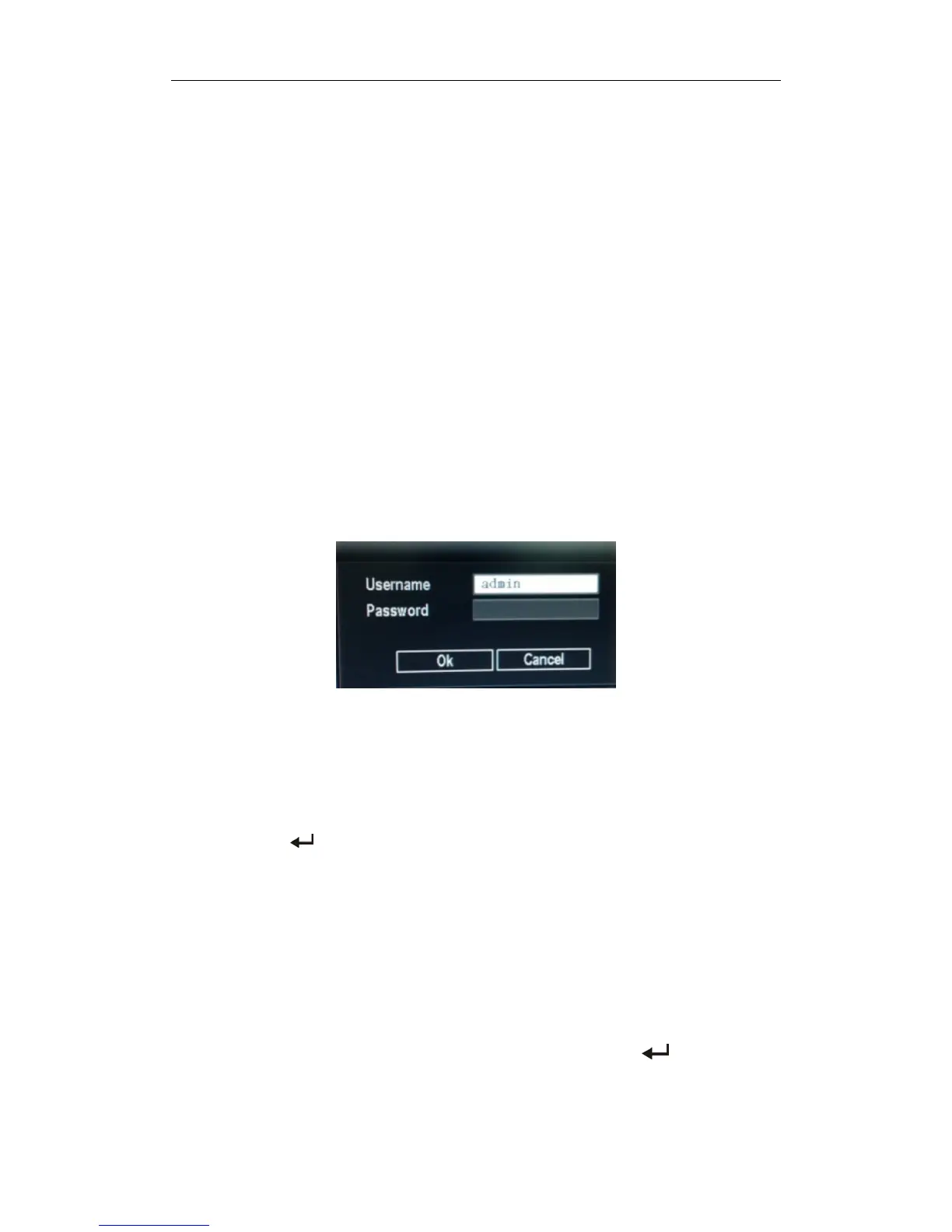
Note:SystemLogindefaultusername:admin,passwordisempty,click"OK"canintomenudirectly.
3.3.2Compositionofthemenu
Menucomponentunitsmainlyinthefollowingcategories:
(1) Checkbox:providingtwokindsofstatusoptions,"√"representenable,"□"disable,use
【confirmation/
】 buttonor 【↑】, 【↓】 keyorclicktheleftmousebuttontochoose.
Forexample:filesearchmenupage,the"SelectChannel"andthe"Recordmode"checkbox.
(2) Selectionbox:Accordingtothesystem,thecontentsofthedrop‐downboxoptions,selectthetarget
content.Use 【↑】, 【↓】 keyorclicktheleftmousebuttontoselect.
Forexample:intheencodesetupmenu,choose"SelectChannel"andthe"Recordmode"checkbox.
(3) ListBox:Displaystheinquiryresultsofinformationinthelist,you canselectone
optionforoperation
intheprovidedlist.
Forexample:ChoosingthefileintheVideobackupresultlis
tbypressing 【OK/ 】 buttonortheleft
mousebutton.
(4)Editbox:Enterthetargetnameintoeditbox



 To Next Page