USER'SMANUALOFEMBEDDEDDIGITALVIDEORECORDER
Page 13 of 27
Forexample:SystemConfigurationmenupages,the“Cameratitle”editbox,enternumbers,English
letters,punctuationandsoon.
usepanelkey 【↑】【
↓】【←】, 【→】orafterpositingtheeditboxbymouse,press" "key
orclicktheleftmousebutton,thentheenterkeyboardappears,selectthedesiredinputtarget
charactersthroughthearrowkeysorclicktheleftmousebutton.
b)SaveorExittheeditingstatusbypressingbutton【ENTER】 【CANCEL】or【ESC】
(5) Button:usedtoimplementaspecificfunctionorenterthenextsettingmenu,enterbyclicking【OK
/
】 keyandtheleftmousebutton.
3.3.3ExitMenumode
Pressbutton【ESC】orclicktherightmousebuttontoexitthemenumode
Clicktherightmousebutton,returntothepreviousmenulevel.
3.4MainMenuIntroduction
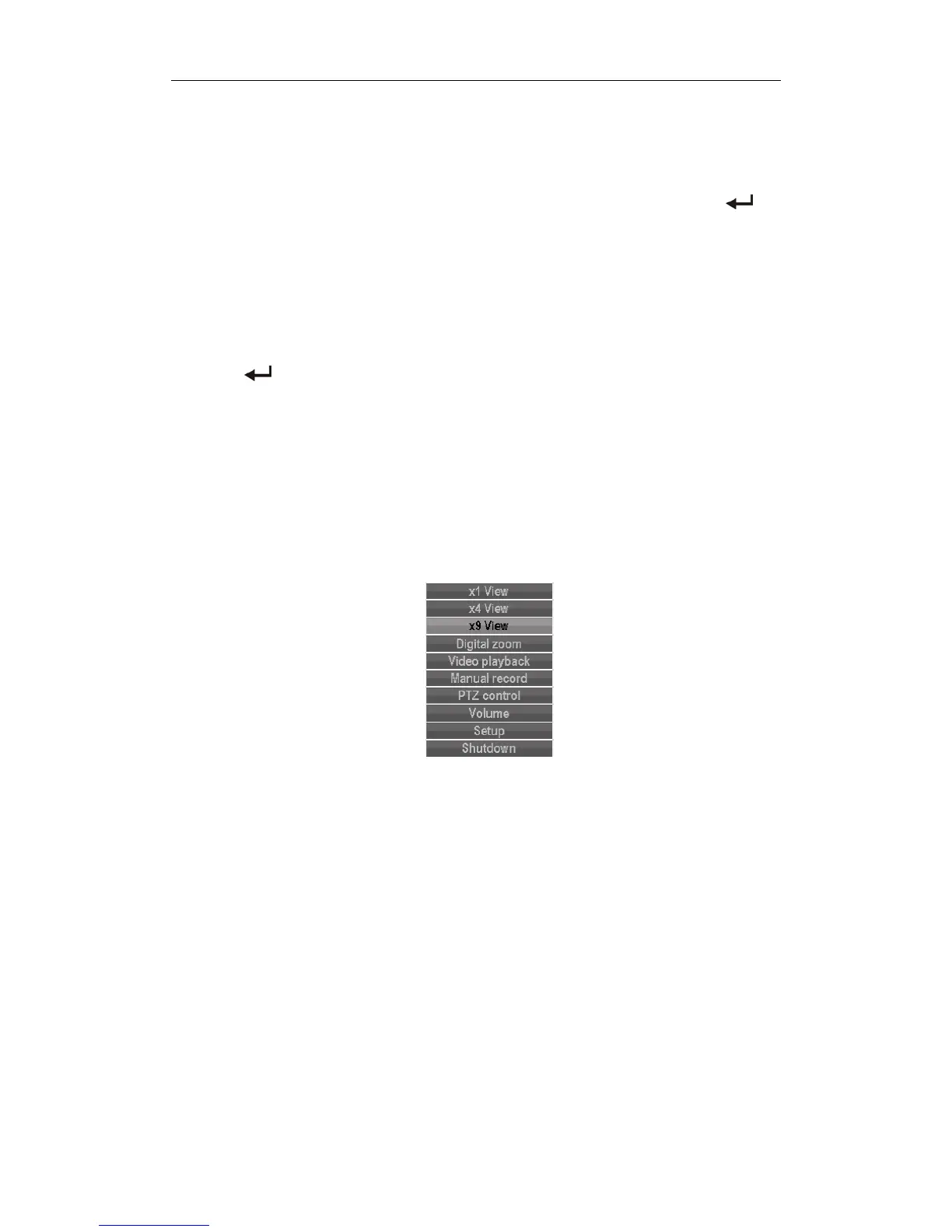
Press MENU key orthe right mouse button pop‐up the main menu, main menuconsists of the following
threecomponents
Previewmode:inthemenucolumn,selectthecorrespondingscreenpreviewmode.
Shortcut menu: in menu column, thereare:video playback, manual recording, PTZ control, sound shortcut
menucanbedirectlyintothecorrespondingpagesinthemenu.
Themainmenubar:Clickintothepostincludesvideoinquiry,document
backup,systemsetting,management
information,systeminformation,exitmenucolumn.
3.5VideoPlayback
Clickmainmenucolumn"videoplayback"intofilesearchinterf ace.



 To Next Page