USER'SMANUALOFEMBEDDEDDIGITALVIDEORECORDER
Page 17 of 27
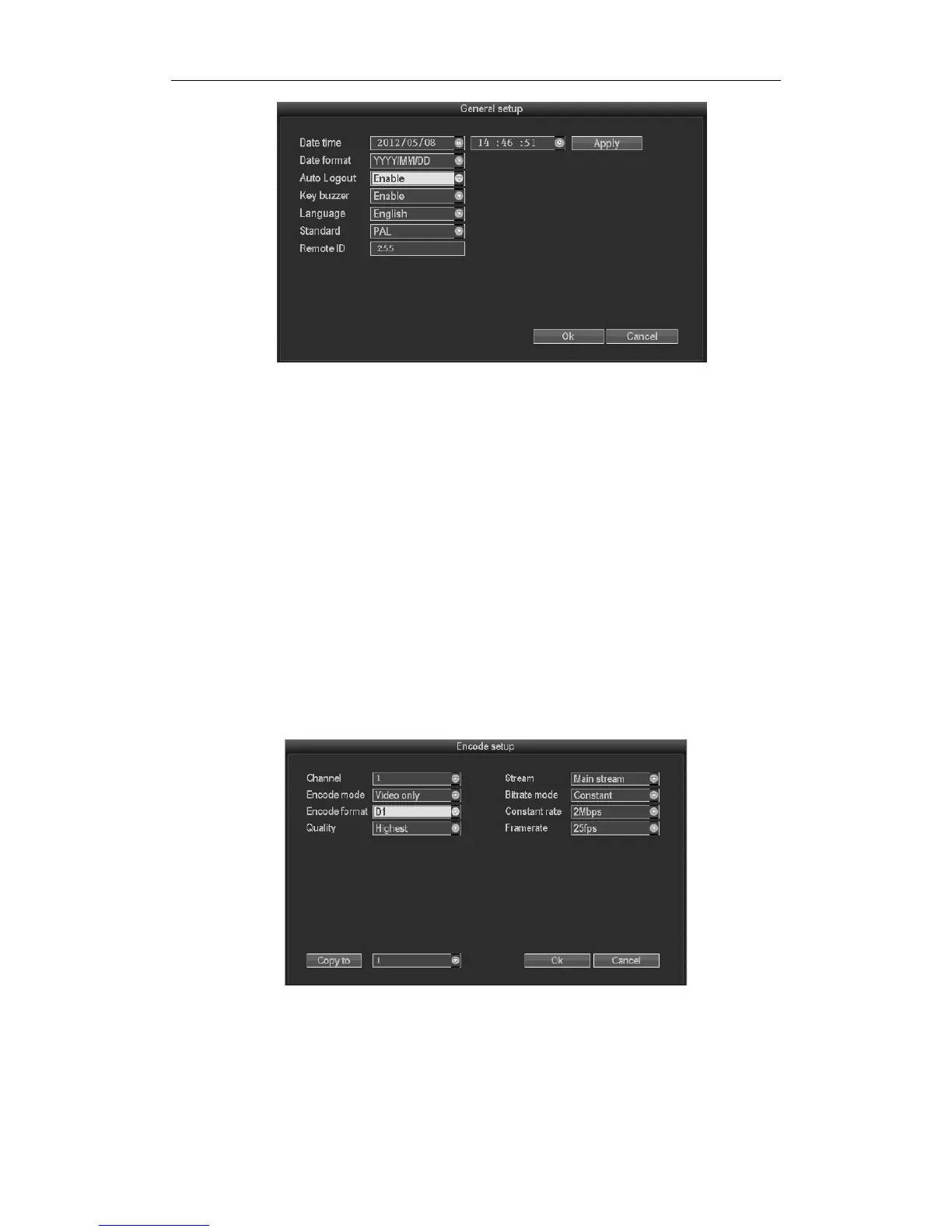
Choosethe"Generalsetup"andturnintoit’ssetupinterface.
DateTime:Therealtimewhenpreview,click“Apply”aftersetting,makesuresavingwhenitshows“Record
stoppedduringsettingtime.Areyousuretocontinue?”Click”Yes”tosave.
DateFormat:“Y/M/D”、“D/M/Y”、“M/D/Y”
Autologout:Enable,the
presentuserwilllogoffifthereisnooperationin10minutes,itneedsloginagain.
Disable,won’tlogoff.
KeyBuzzer:Enable,thereissoundwiththecontrollerorpressingkeyonfrontpanel,disable,withoutsound.
Language:Thereismultiplechoiceaccordingtousers,ChineseandEnglishand
soon.
Videostandard:PALandNTSCareallavailable.
RemoteID:Controllerconnectbydevicenumberwhenitisusedtocontrol.Theremotecontrollershouldbe
correspondwiththeIDsothatitcanwork.
Aftersettingfinished,click"ok",theinformationwillbesaved.Click"cancel"to
exitwithoutsaving.
3.8.3.2Encodesetup
Select“Encodesetup”insystemsetup.
Channel :ChoosetherightCHyoulikebyclickingtheselectbox
Stream :Choosetherightstream:"mainstream"or"substream"
Encodemode:Choosetherightencodemodelyouneed:"videoonly"meansonlyencodingforvideo;
"AVstream"meansencodingfor
bothvideoandaudio.



 To Next Page