USER'SMANUALOFEMBEDDEDDIGITALVIDEORECORDER
Page 22 of 27
3.8.4Systemtools
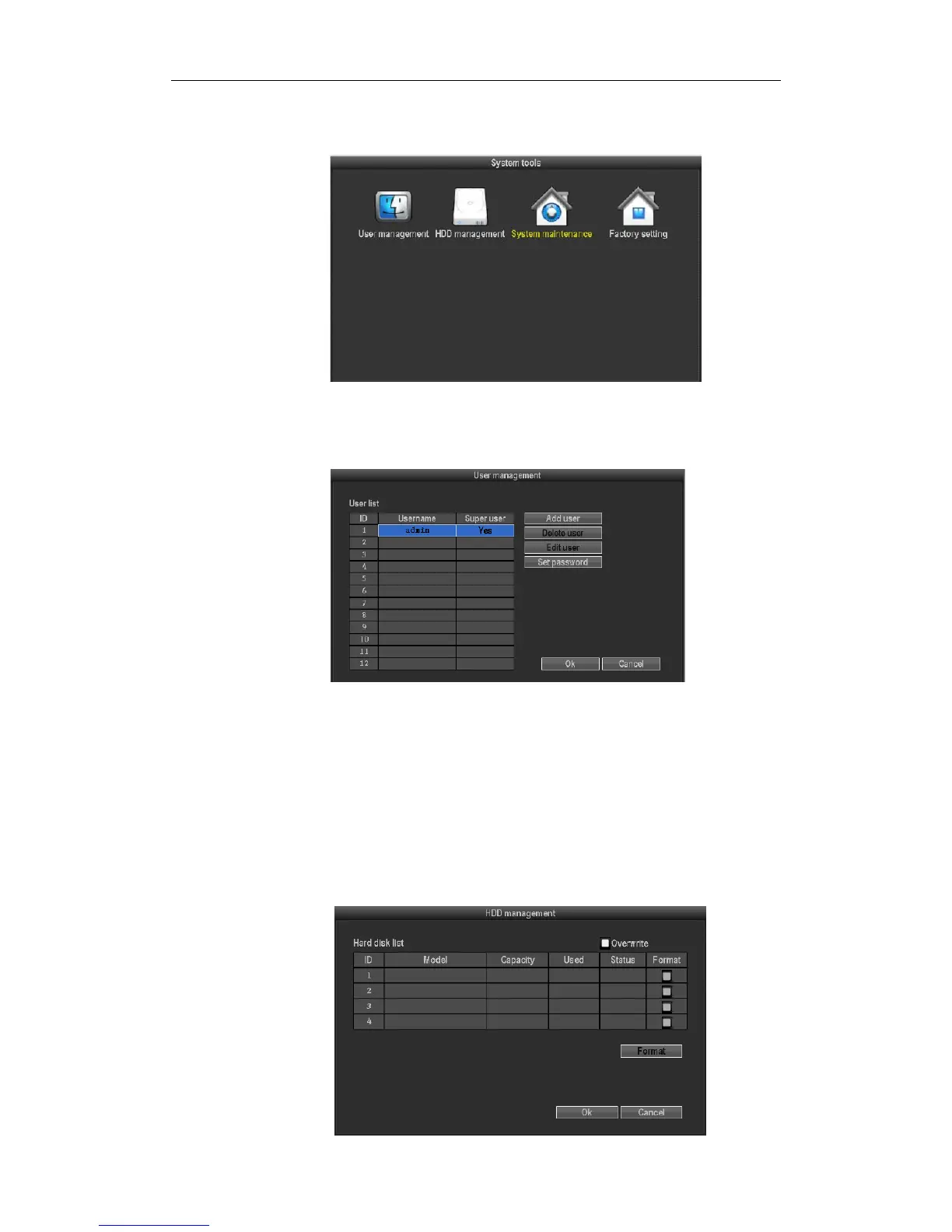
Inmainmenu,choose"systemtool",entersettinginterface,itincludesfourinterfaceofusermanagement,HDD
management,systemmaintainanceandfactorysetting
3.8.4.1usermanagement
Inthe“Systemtools”,click"usermanagement".
Adduser:Inputanewusernameintheeditboxandsetuptheoperationalauthority.Choosingintheright
checkbox,“√”userscanuseit,“□”userscannotuseit.Clickthe"passwordsetup"toset
thenewpassword,or
itcanbethedefaultpassword.
Deleteuser:Deletethesecelteduser(ButAdmin,otheruserhasnotherighttosetupordeleteotherusers)
Modifyuser:Modifytheselecteduser(ButAdmin,otherusershasnotherighttosetupotheruserpermissions)
Set
password:Setpasswordoflogginginuser
Afterthesetting,click"OK"tosaveandexit,orclickt"cancel"toexitwithoutsaving
3.8.4.2HDDmanagement



 To Next Page