Landscape prints across the length of the page, spreadsheet style.
If you want to rotate the page 180-degrees, select 180 from the Rotate drop-down
list.
Layout Options allows you to select advanced printing options. For details, see
"Printing Multiple Pages on One Sheet of Paper"and "Printing Posters".
Double-sided Printing allows you to print two-sided jobs manually. For details, see
"Printing on Both Sides of Paper (Manual Duplex)".
Paper Tab
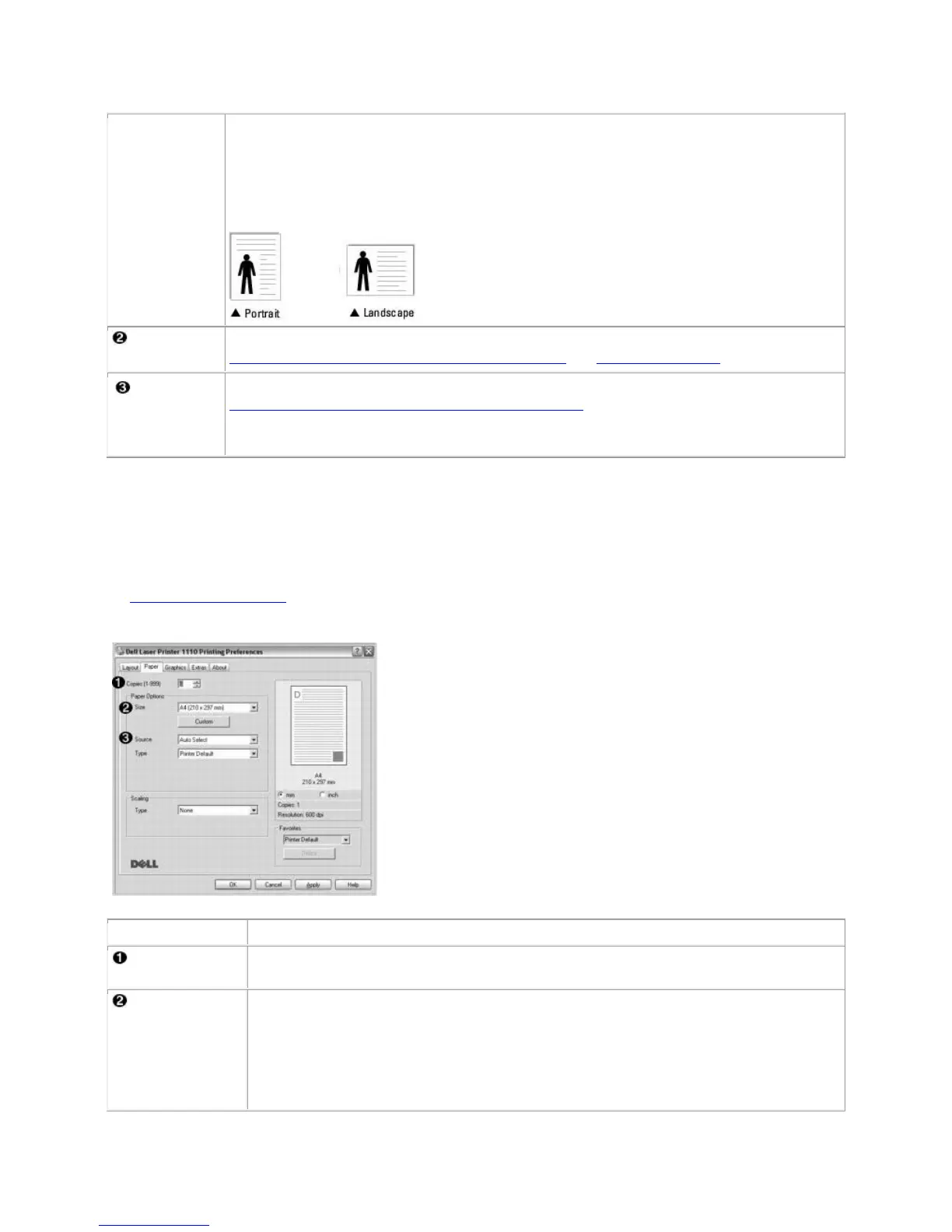
Use the following options to set paper handling needs when you access printer properties. See step 3
in "Printing a Document" for more information about accessing printer properties. Click the Paper tab
to access paper properties.
Copies allows you to choose the number of copies to be printed. You can enter up
to 999.
The Size option allows you to choose the size of paper loaded in the paper tray.
If the required size is not listed in the Size box, click Custom. When the Custom
Page Size window appears, set the paper size and click OK. The setting appears
on the list so that you can select it.













 To Next Page