document. This option is available only when you use Windows 98.
Download as Bit Image: When this option is selected, the driver downloads the
font data as bitmap images. Documents with complicated fonts, such as Korean or
Chinese, or various other fonts, will print faster in this setting.
Print as Graphics: When this option is selected, the driver downloads all fonts as
graphics. When printing documents with high graphic content and relatively few
TrueType fonts, printing performance (speed) may be enhanced in this setting.
Print All Text Black
When the Print All Text Black option is checked, all text in your document is
printed in solid black, regardless of the color it appears on the screen. When it is not
checked, colored text is printed in shades of gray.
Darken Text
When the Darken Text option is checked, all text in your document is printed
darker than on a normal document.
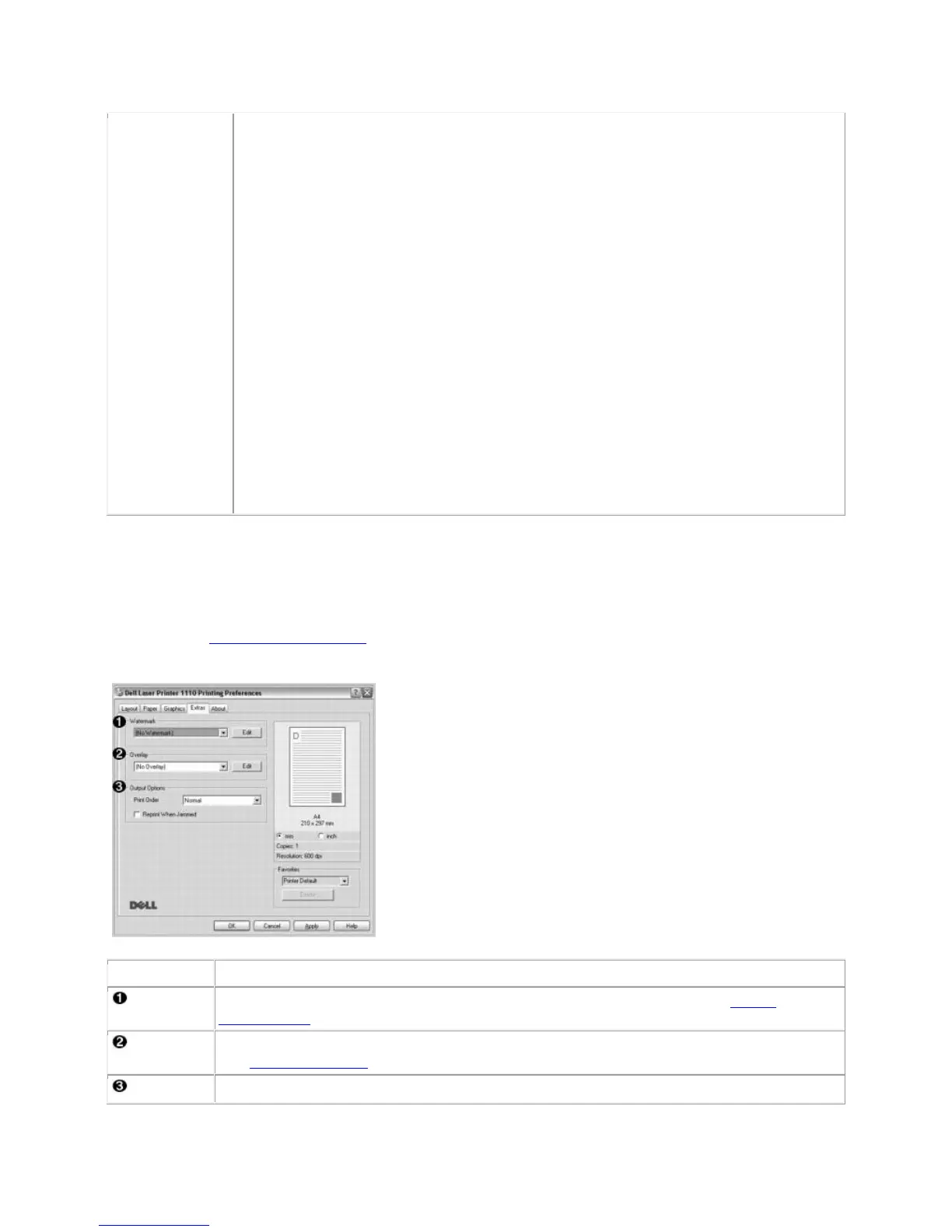
Extras Tab
See step 3 in "Printing a Document" for more information about accessing printer properties. Click the
Extras tab to access the following features:
You can add text to be printed across each page of your document. See "Using
Watermarks".
Overlays are often used to take the place of preprinted forms and letterhead paper.
See "Using Overlays".
Print Order: You can set the sequence for the pages to print. Select the print order













 To Next Page