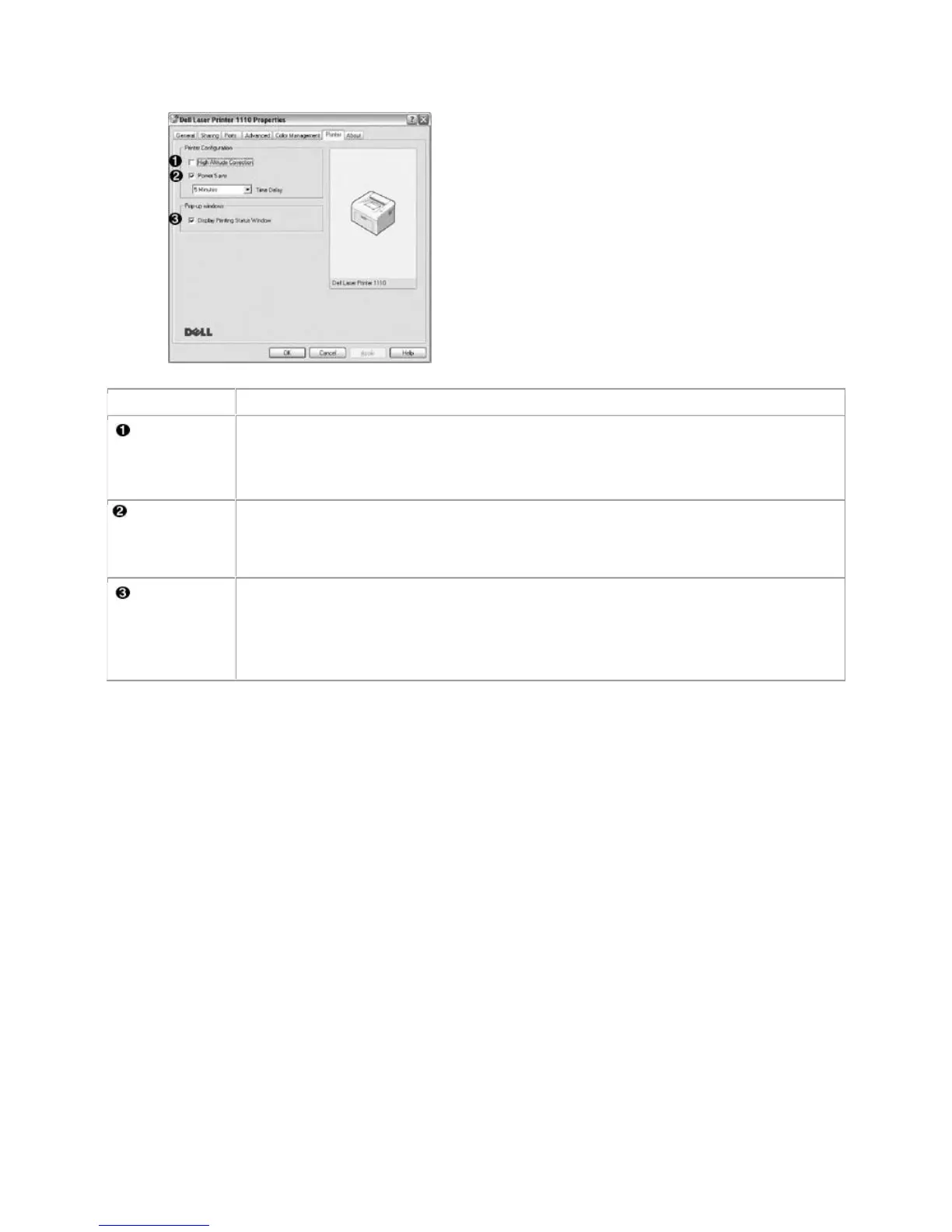
If your printer is going to be used at an altitude above 2,500 m (8,200 ft), checking
this option will optimize the print quality for those circumstances.
When this option is checked, the printer switches to power save mode after the
specified time has elapsed since its last activity. You can select the length of time
before your printer goes into power save mode from the Time Delay drop-down
list. The minimum time you can select is 5 Minutes.
Display
Printing
Status
Window
When this option is checked, the Printing Status window, which shows the status of
your printer, displays on the computer screen each time you send a print job to the
printer.
Using a Favorite Setting
The Favorites option, which is visible on each properties tab, except for the About tab, allows you to
save the current properties settings for future use.
To save a Favorites item:
1. Change the settings on each tab, as needed.
2. Enter a name for the item in the Favorites input box.













 To Next Page