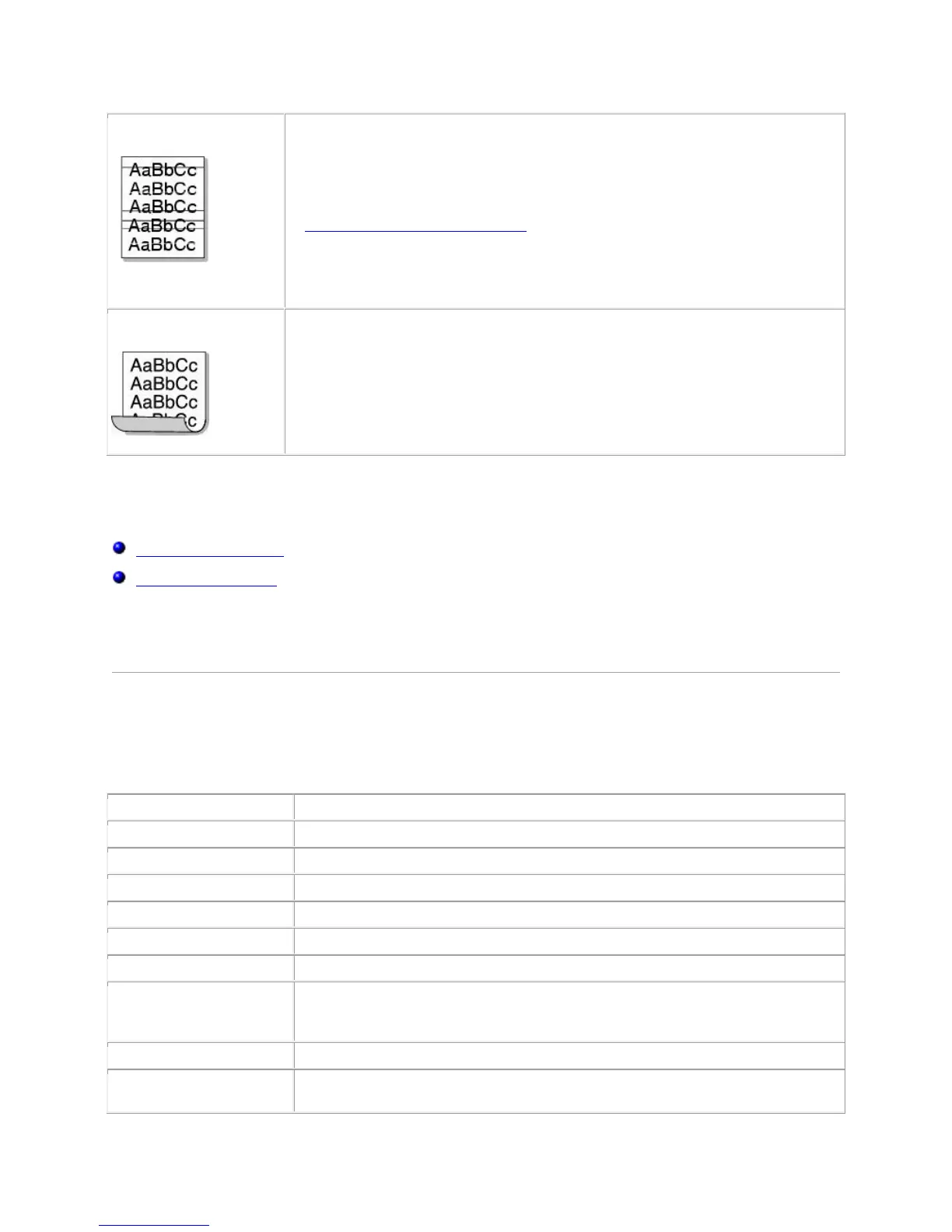
If horizontally aligned black streaks or smears appear:
The toner cartridge may be installed improperly. Remove the toner
cartridge and reinsert.
The toner cartridge may be defective. Install a new toner cartridge. See
"Replacing the Toner Cartridge".
If the problem persists, the printer may require repair. Contact a service
representative.
If the printed paper is curled or the paper does not feed into the printer, turn
over the stack of paper in the paper tray. Also try rotating the paper 180° in
the paper tray.
Specifications
Printer Specifications
Specifications and Description
Up to 16 ppm in A4 (17 ppm in Letter)
AC 110~127 V (USA, Canada) / 220~240 V (Others), 50 / 60 Hz
300 W average during operation / Less than 6 W in sleep mode
Stand by: Less than 30 dB;
Printing: Less than 50 dB;
Sleep mode: Background noise
Ships with 1,000-page starter toner cartridge at ISO 19752 5% coverage
(2,000 pages for a standard toner cartridge)













 To Next Page