Printing on Both Sides of Paper (Manual Duplex)
You can print on both sides of a sheet of paper manually. Before printing, decide how
you want your document oriented.
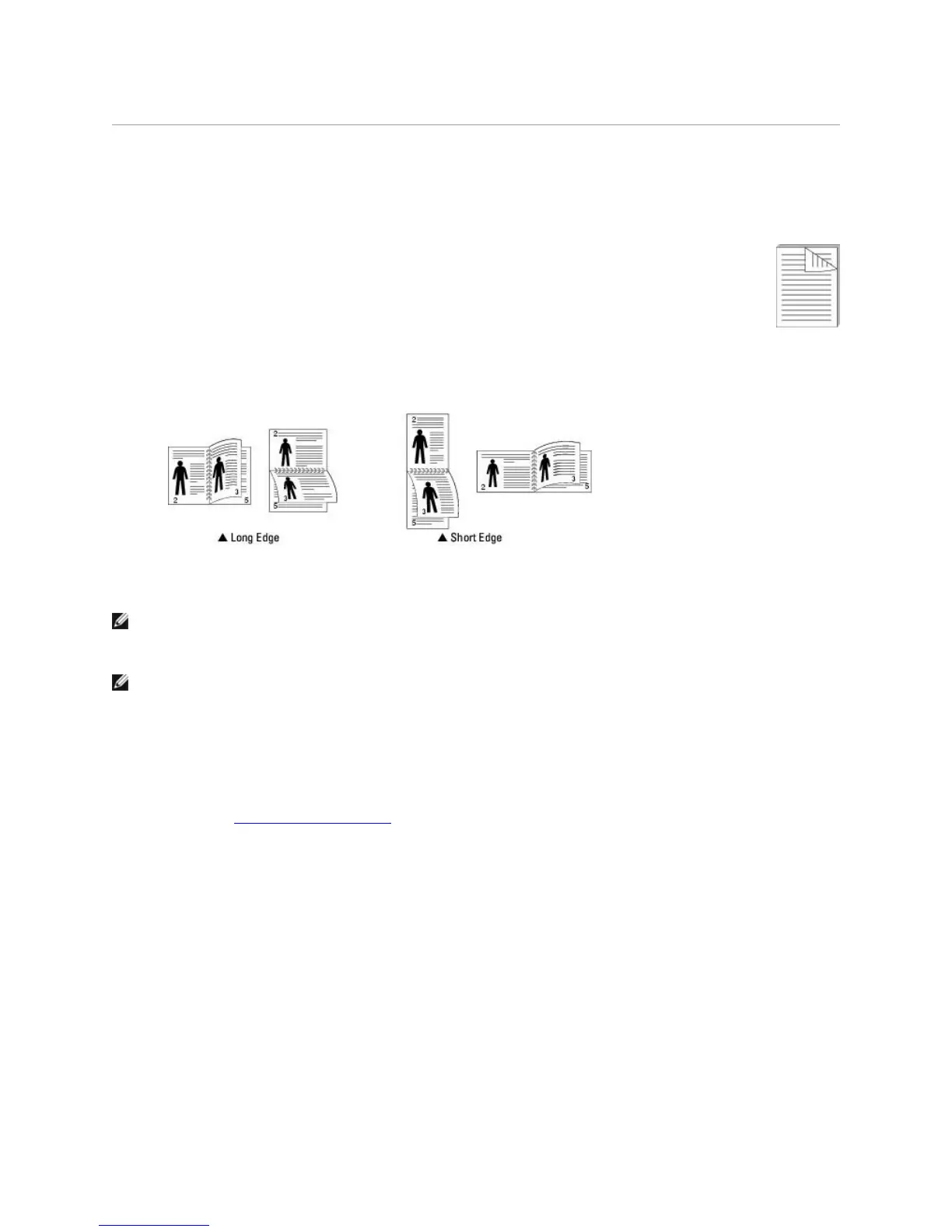
The options are:
Long Edge, which is the conventional layout used in book binding.
Short Edge, which is the type often used with calendars.
NOTE: Do not print on both sides of labels, transparencies, envelopes, or thick paper. Paper
jamming and damage to the printer may result.
NOTE: To use double-sided printing, you can use only the following paper sizes: A4, Letter, Legal,
and Folio, with a weight of 20~24 lbs (75~90 g/m
2
).
To manually print a 2-sided document:
1. To change the print settings from your software application, access printer properties. See
step 3 in "Printing a Document".
2. From the Layout tab, select the paper orientation.
3. From the Double-sided Printing section, select either None, Long Edge, or Short Edge.



 To Next Page