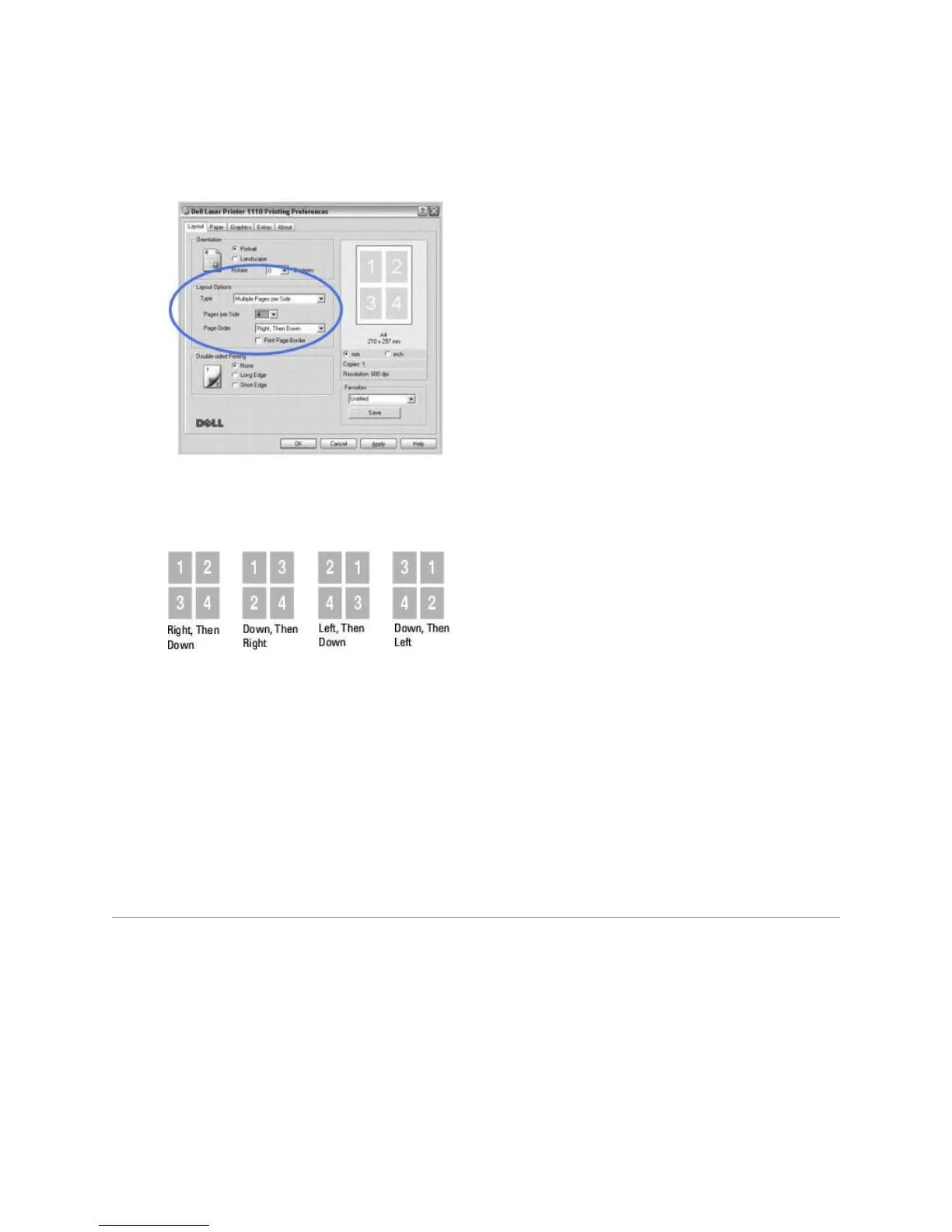
3. Select the number of pages you want to print per sheet (1, 2, 4, 6, 9, or 16)
from the Pages per Side drop-down list.
4. If necessary, select the page order from the Page Order drop-down list.
Check Print Page Border to print a border around each page on the sheet. Print Page Border
or Page Order is enabled only if the Pages per Side setting is set to a number greater than
one.
5. Click the Paper tab and select the paper source, size, and type.
6. Click OK and print the document.
Printing Posters













 To Next Page