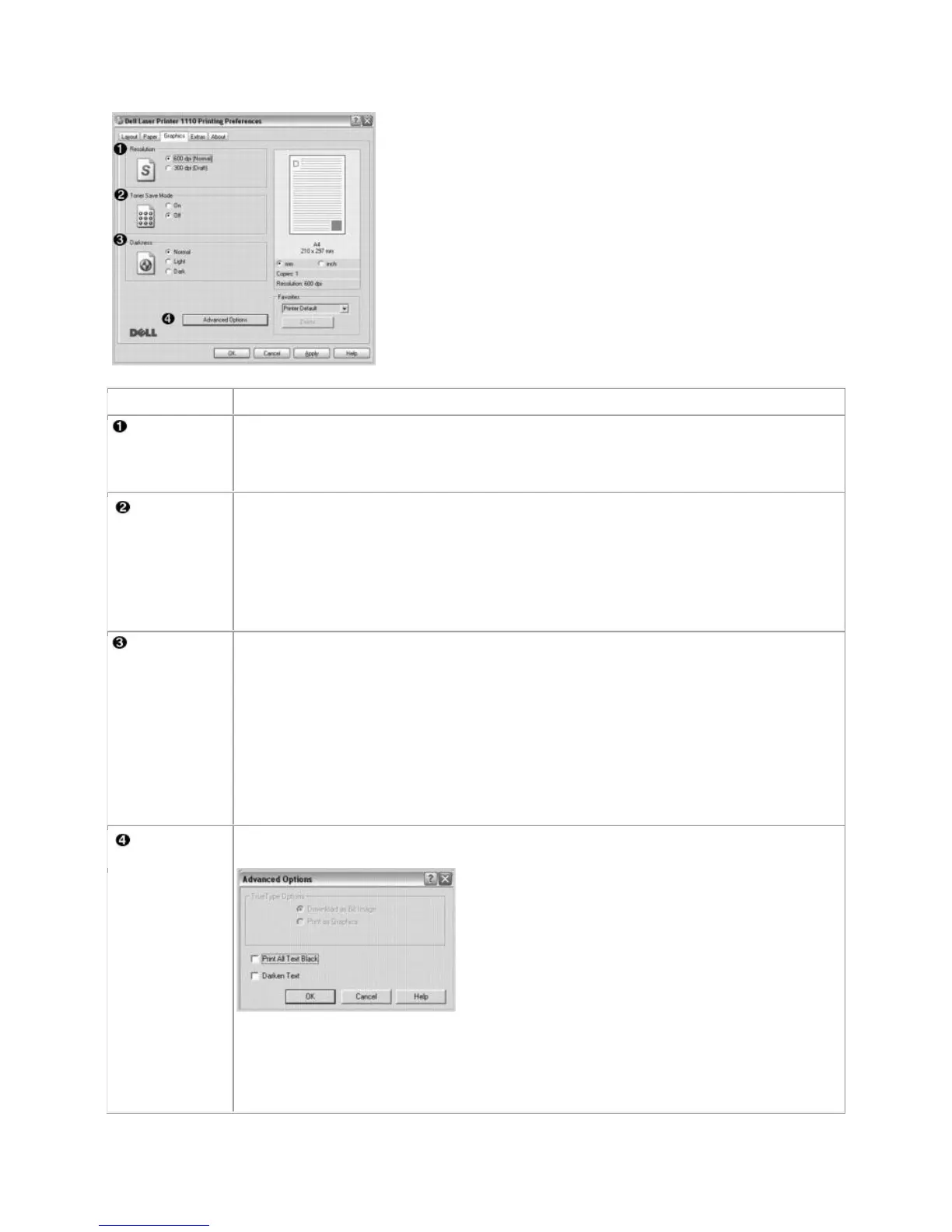
You can select the printing resolution by choosing from 600 dpi [Normal] or 300
dpi [Draft]. The higher the setting, the sharper the clarity of printed characters and
graphics. Higher settings may increase the time it takes to print a document.
Selecting this option extends the life of your toner cartridge and reduces your cost
per page without a significant reduction in print quality.
On: Select this option to allow the printer to use less toner on each page.
Off: If you don't need to save toner when printing, select this option.
Use this option to lighten or darken your print job.
Normal: This setting is for normal documents.
Light: This setting is for documents with bolder line widths or darker gray-scale
images.
Dark: This setting is for documents with finer line widths, higher definition
graphics, and lighter gray-scale images.
You can set advanced settings by clicking the Advanced Options button.
TrueType Options
This option determines what the driver tells the printer about how to print the text in
your document. Select the appropriate setting according to the status of your













 To Next Page