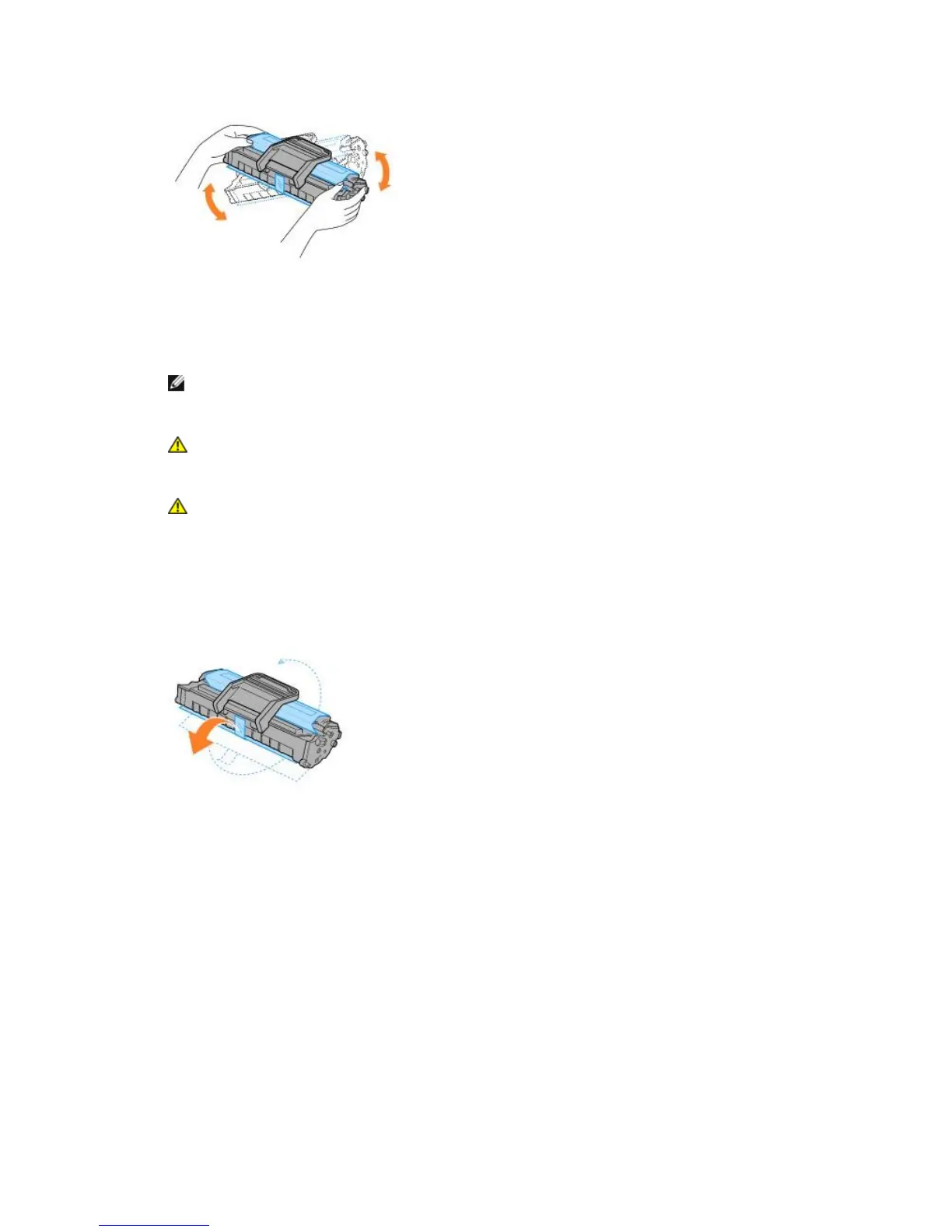
Thoroughly rolling the cartridge will assure maximum copies per cartridge.
2.
NOTE: If toner comes into contact with your clothing, wipe the toner off with a dry cloth and
wash your clothing in cold water. Hot water sets toner into fabric.
CAUTION: To prevent damage to the toner cartridge, do not expose the toner
cartridge to light for more than a few minutes.
CAUTION: Do not touch the green underside of the toner cartridge. Use the handle
on the cartridge to avoid touching this area.
5.
3. Pull the tape to remove the protective paper.
4. Locate the cartridge slots inside the printer, one on each side.













 To Next Page