282 Clearing Jams
Clearing Paper Jams From the Output Tray
CAUTION: Before performing any of the following procedures, read and follow
the safety instructions in your Product Information Guide.
CAUTION: To prevent electric shock, always turn off the printer and disconnect
the power cable from the grounded outlet before performing maintenance.
CAUTION: To avoid burns, do not clear paper jams immediately after printing. The
fuser becomes extremely hot during use.
NOTE: To resolve the error displayed on the operator panel, you must clear all print
media from the print media path.
1
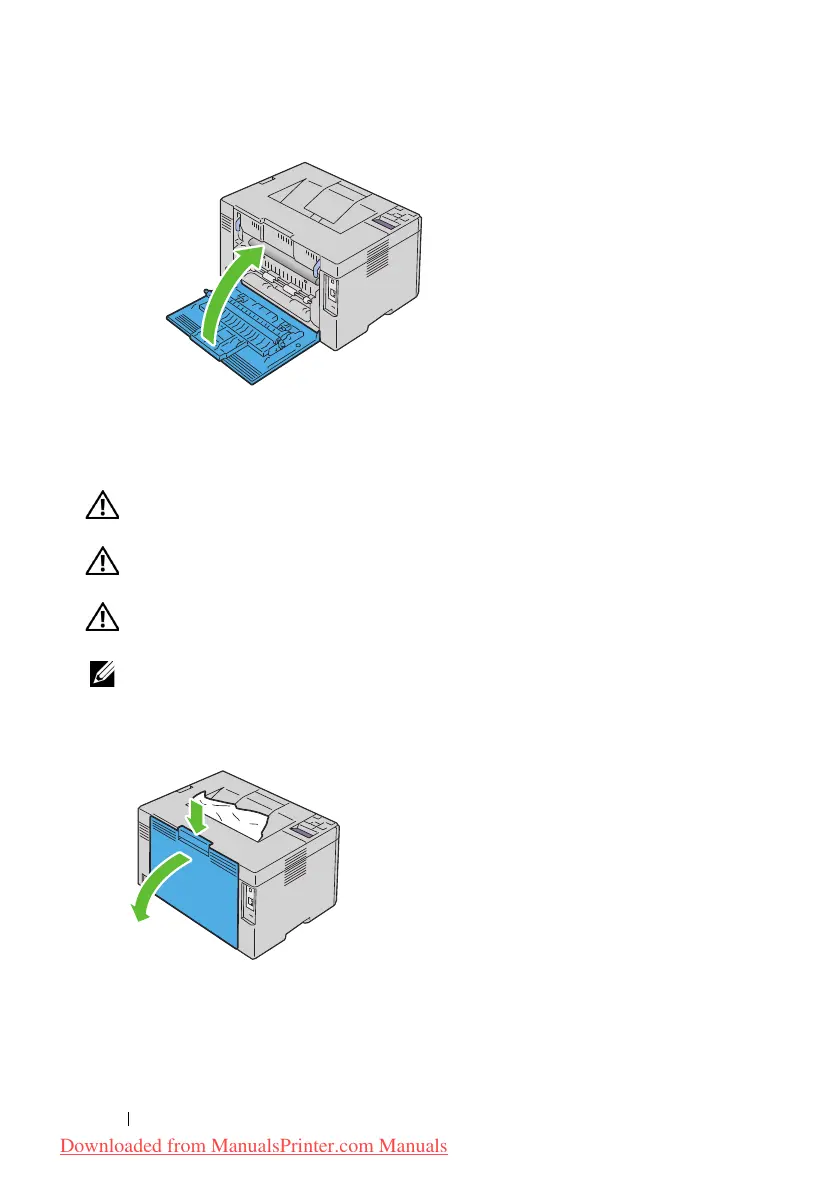
Push the rear cover release handle and open the rear cover.
2
Lift up the fuser release levers.
Downloaded from ManualsPrinter.com Manuals












 To Next Page