298 Troubleshooting
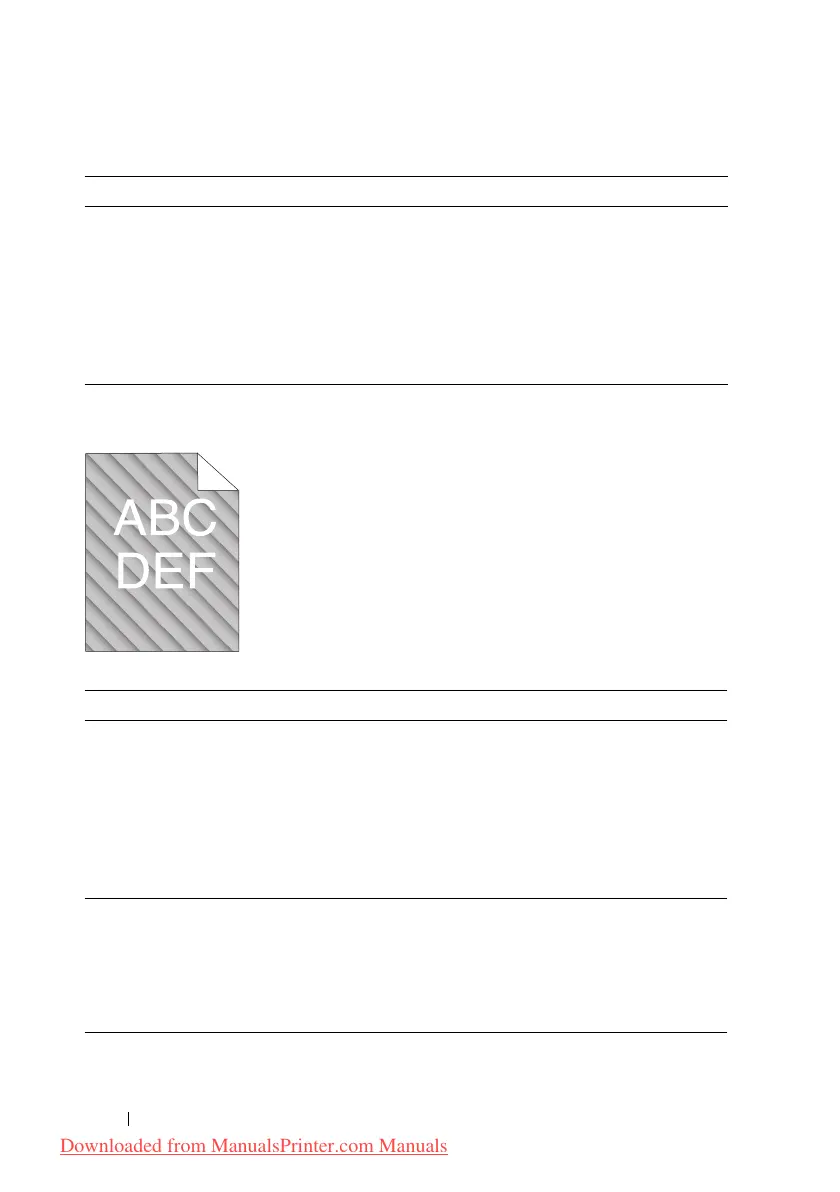
Auger mark
Action Yes No
1 If the printer is installed in a high altitude
location, set the altitude of the location.
1
Launch the Tool Box, and click
Adjust
Altitude
on the
Printer Maintenance
tab.
2
Select the value close to the altitude of the
location where the printer is installed.
Is them problem recovered?
The task is
complete.
Contact Dell.
Action Yes No
1 The toner cartridges may be low or need to be
replaced. Confirm the amount of toner in each
toner cartridge.
1
Check the toner level in the
Status
tab in the
Status Monitor.
2
Replace the toner cartridges as necessary.
Is the problem recovered?
The task is
complete.
Contact Dell.
2 Start Developer Stir Mode.
1
Launch the Tool Box, click
Developer Stir
Mode
on the
Diagnosis
tab.
2
Click the
Start
button.
Is the problem recovered?
The task is
complete.
Contact Dell.
Downloaded from ManualsPrinter.com Manuals




 To Next Page