302 Troubleshooting
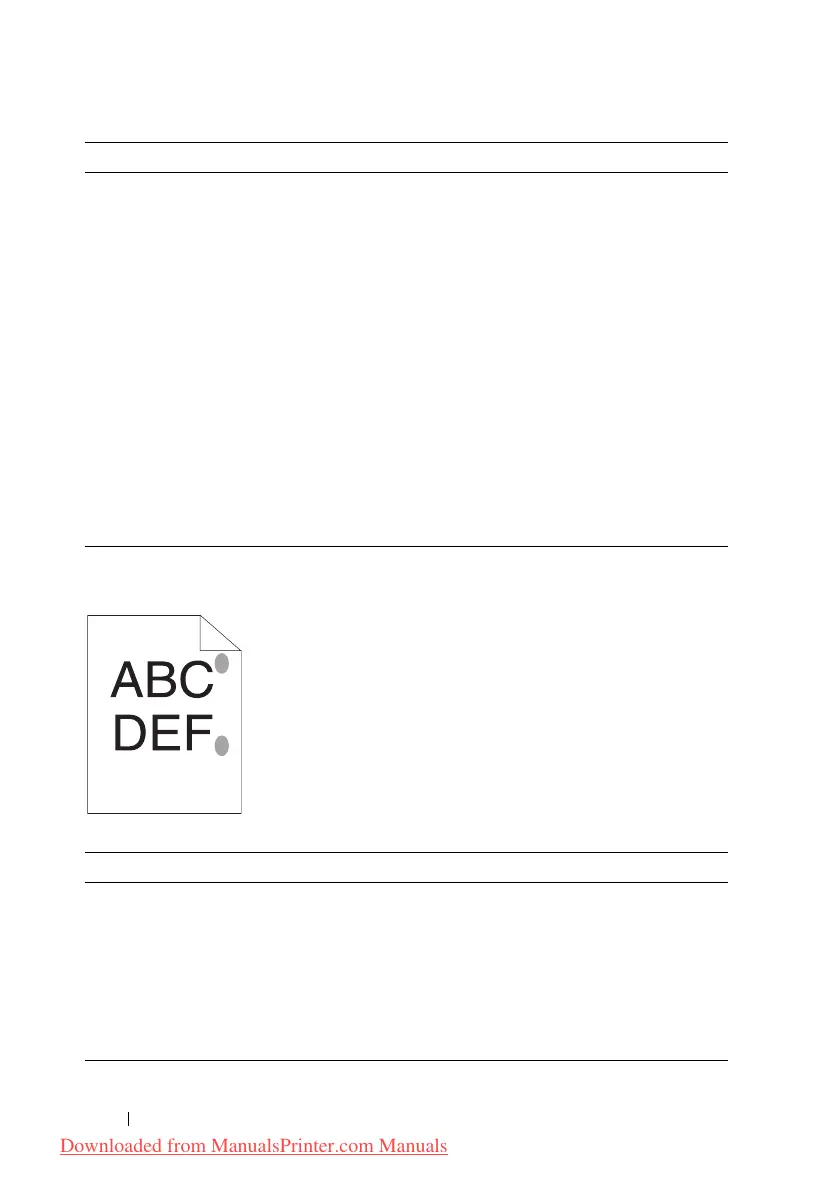
Protrudent / Bumpy paper
3 Print the Color Registration Chart and
manually correct the color registration.
1
Click
Color Registration Adjustment
on the
Printer Maintenance
tab.
2
Click the
Start
button next to
Color Regi
Chart
.
The color registration chart is printed.
3
Adjust till all straight lines are at the value of
0. See "Adjusting Color Registration" on
page 270 for details.
4
Click the
Apply New Settings
button.
5
Click the
Start
button next to
Color Regi
Chart
to print the Color Registration Chart
again.
Is the problem recovered?
The task is
complete.
Contact Dell.
Action Yes No
1 Clean up the fuser unit.
1
Load one sheet of paper on the MPF, and then
print a solid image all over paper.
2
Load the printed sheet with the side to be
printed on facing down, and then print a blank
sheet of paper.
Is the problem recovered?
The task is
complete.
Contact Dell.
Action Yes No
Downloaded from ManualsPrinter.com Manuals




 To Next Page