36 Connecting Your Printer
To setup a wireless connection, see "Configuring Wireless Settings" on
page69.
NOTE: When you use the USB connection and do not use the wireless connection,
you need to disable the wireless LAN on the operator panel.
For more information, see "Network" on page216.
Turning On the Printer
CAUTION: Do not use extension cords or power strips.
CAUTION: The printer should not be connected to a UPS system.
1
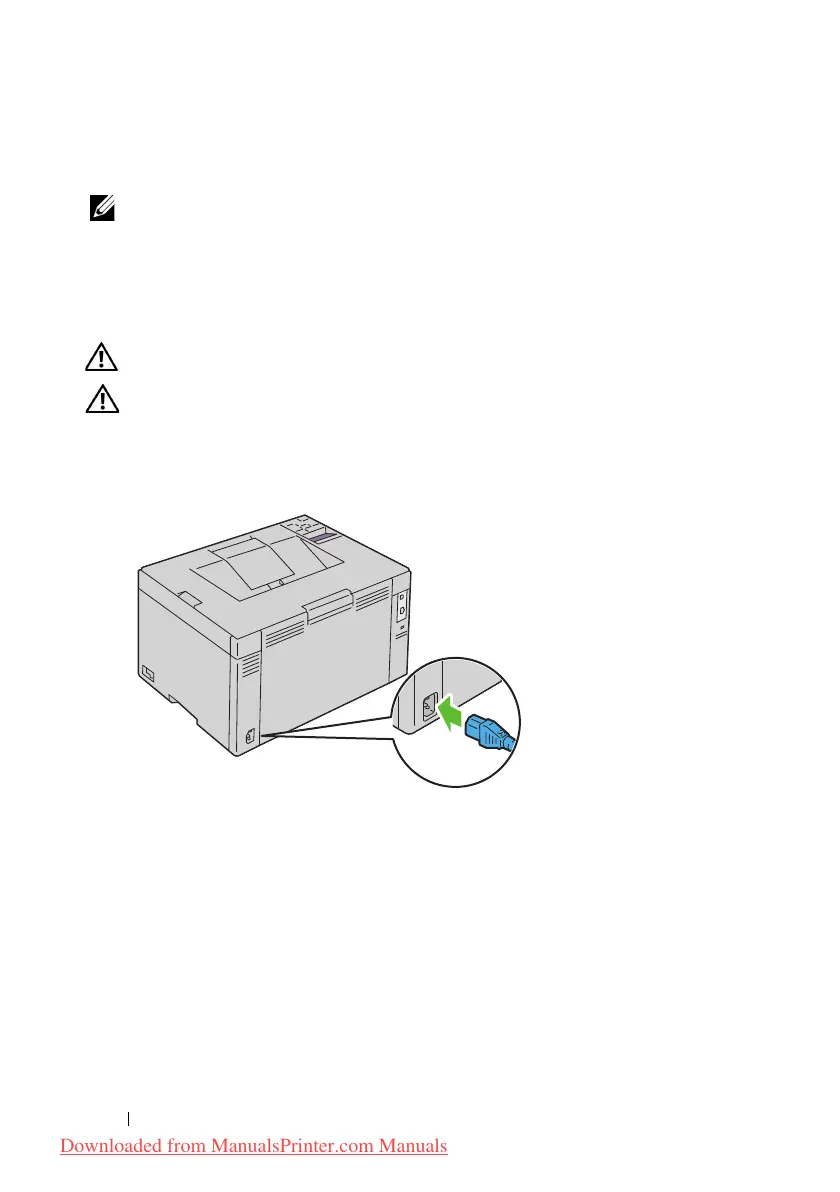
Connect the power cable to the wall jack connector on the back of your
printer (see "Rear View" on page26).
2
Connect the other end of the cable to the power source.
3
Turn on the printer.
Downloaded from ManualsPrinter.com Manuals












 To Next Page