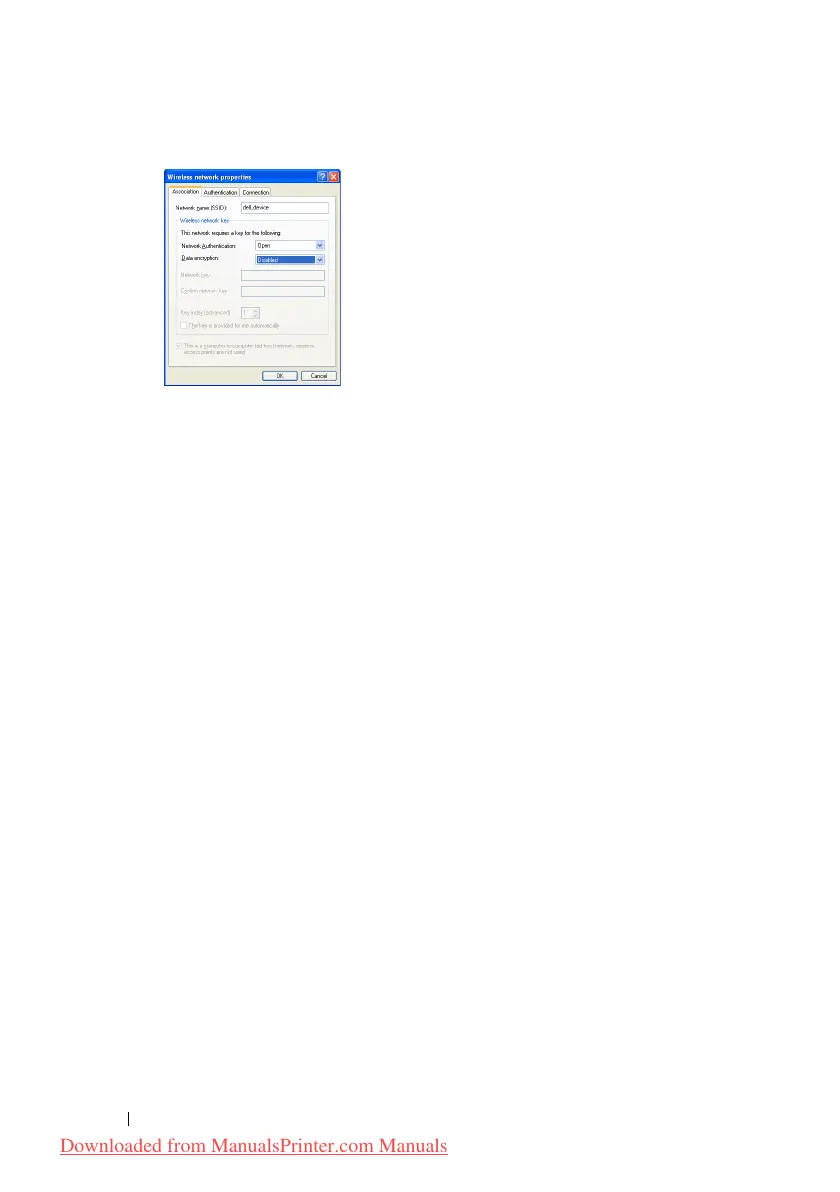
82 Installing Printer Drivers on Computers Running Windows
i
Click the
Move up
button to move the newly added SSID to the top
of the list.
j
Click
OK
to close the
Property
dialog box.
For Windows Vista:
a
Open
Control Panel
.
b
Select
Network and Internet
.
c
Select
Network and Sharing Center
.
d
Select
Connect to a network
.
e
Select
dell_device
from the network items listed in
Connect to a
network
.
f
Select
Connect Anyway in the warning
dialog box indicating you are
entering an unsecured area.
g
Click
Close
in the dialog box after confirming the connection is a
success.
For Windows Server 2008:
a
Open
Control Panel
.
b
Select
Network and Sharing Center
.
c
Select
Connect to a network
.
d
Select
dell_device
from the network items listed in
Connect to a
network
.
e
Select
Connect Anyway in the warning
dialog box indicating you are
entering an unsecured area.
Downloaded from ManualsPrinter.com Manuals












 To Next Page