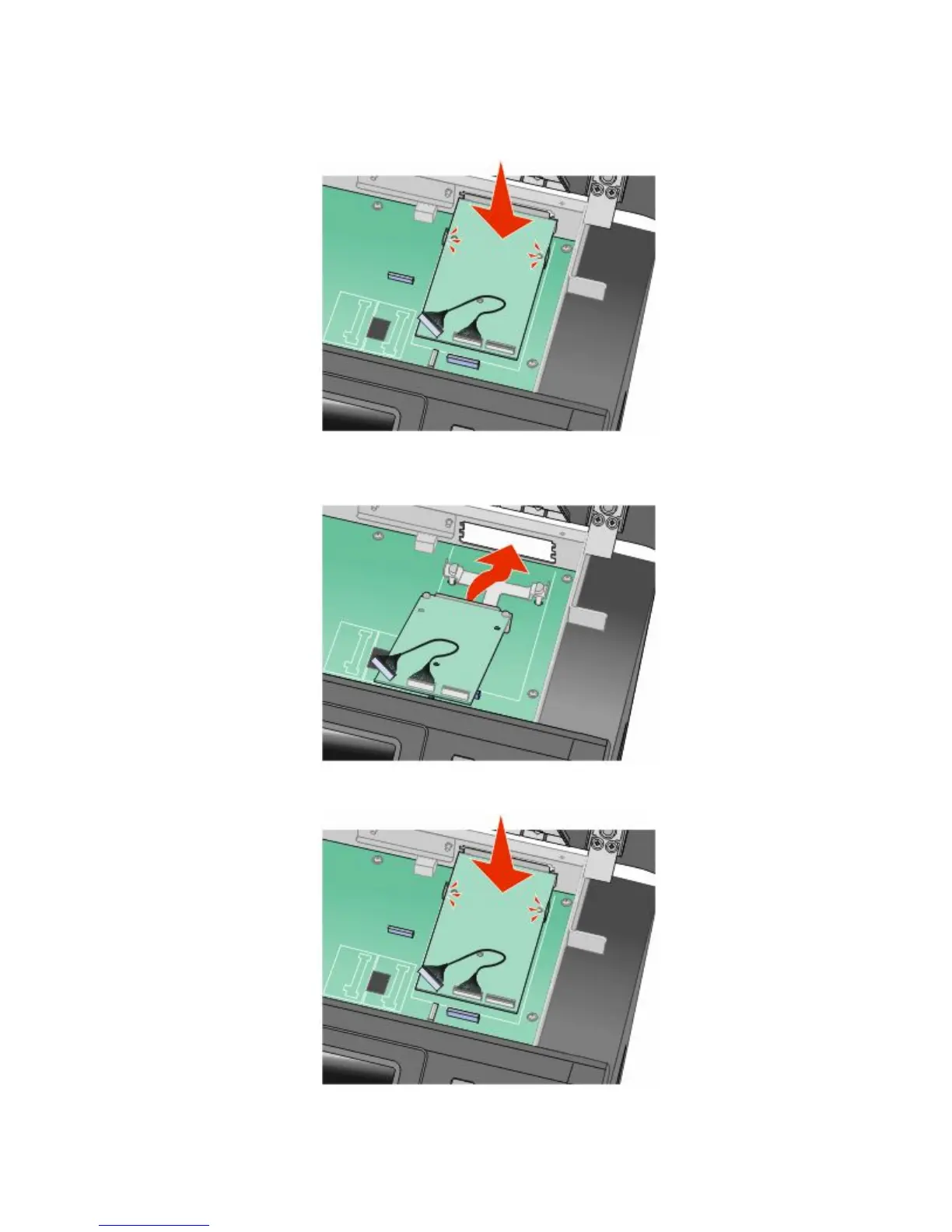
5 Align the posts of the plastic tee to the holes in the system board, and then press downward until the tee snaps
into place. Be sure each post of the tee has latched completely, and that the tee is seated firmly onto the system
board.
6 Install the ISP onto the plastic tee. Angle the ISP over the plastic tee, and then approach the plastic tee so that
any overhanging connectors will pass through the ISP opening in the system board cage.
7 Lower the ISP toward the plastic tee until the ISP is seated between the guides of the plastic tee.
Additional printer setup
40











 To Next Page