26 Using Your Projector
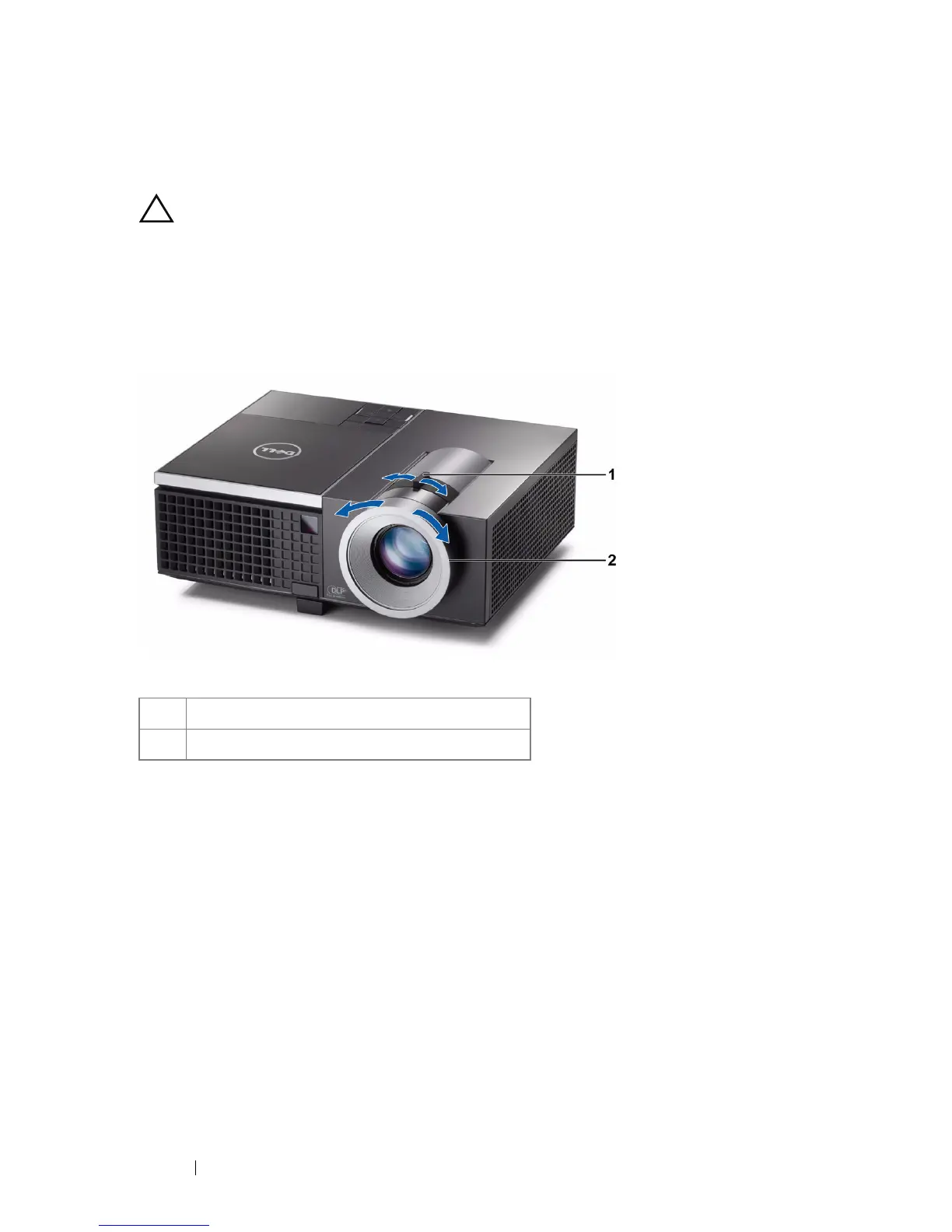
Adjusting the Projector Zoom and Focus
CAUTION: To avoid damaging the projector, ensure that the zoom lens and
elevator foot are fully retracted before moving the projector or placing the
projector in its carrying case.
1
Rotate the zoom tab to zoom in and out.
2
Rotate the focus tab until the image is clear. The projector focuses at distances
ranging between 3.94 ft to 32.81 ft (1.2 m to 10 m).
1 Zoom tab
2 Focus ring



 To Next Page