80 Using Your Projector
Enable Wireless or LAN on the Projector
Please refer to steps 1 to 4 of the Audio Projection Installation to enable wireless or
LAN feature.
Install the Dell Wireless Application Software on Your Computer
Please refer to steps 5 to 7 of the Audio Projection Installation to install the Dell
Wireless Application Software.
Launch the Wireless Application
Please refer to steps 8 of the Audio Projection Installation to launching the
Wireless Application.
Login
Please refer to steps 9 of the Audio Projection Installation to log-in the application.
1
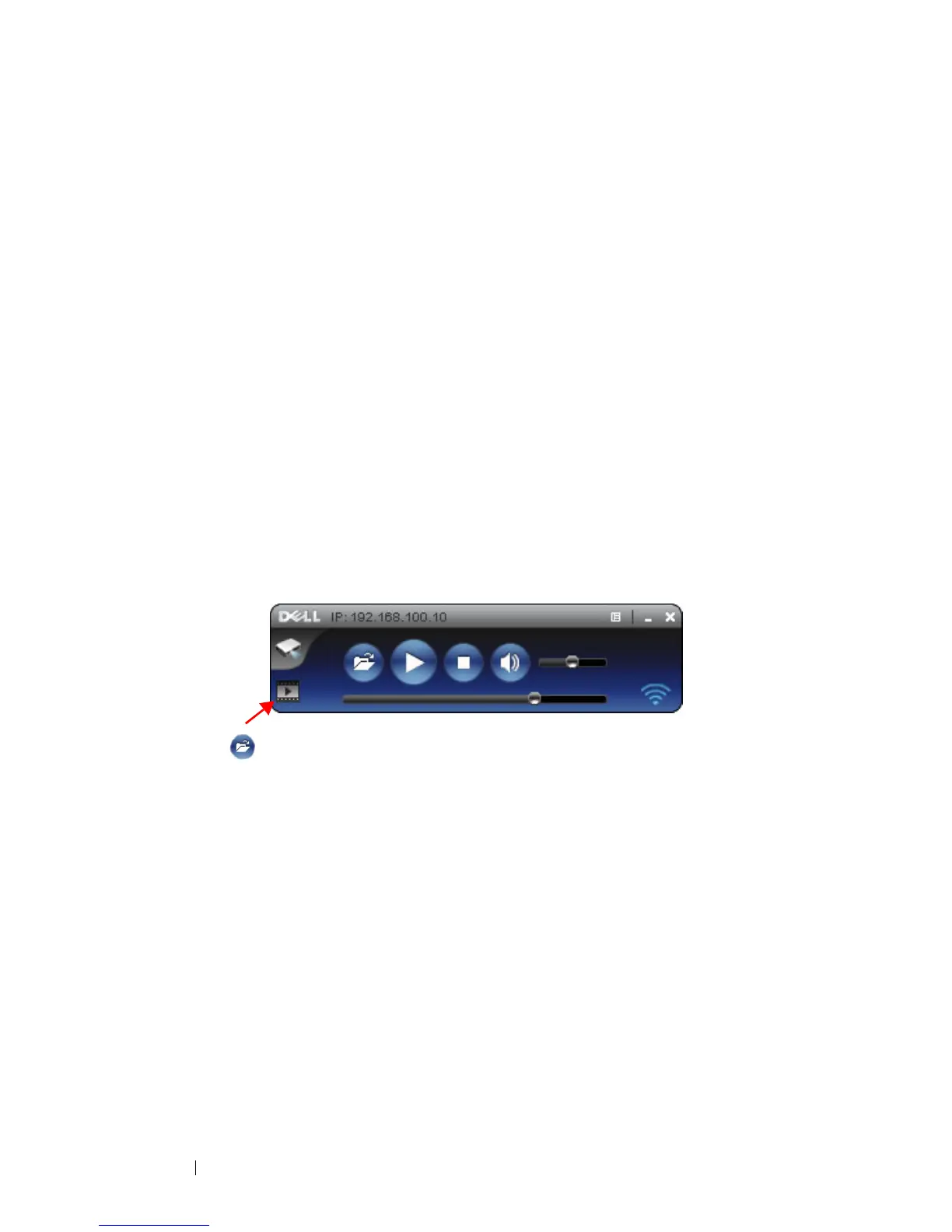
You are now logged into the 4220 or 4320 Wireless Application. Click
"
Video Mode
" button switch to Video Mode screen.
2
Click to select the video or music files and starting player.



 To Next Page