Using Your Projector 49
STARTUP SCREEN—Default is Dell logo as wallpaper. You can also select
Capture Screen option to capture the screen display. The following
message appears on the screen.
NOTE: To capture a full image, ensure that the input signal connected
to the projector is at 1024 x 768 resolution.
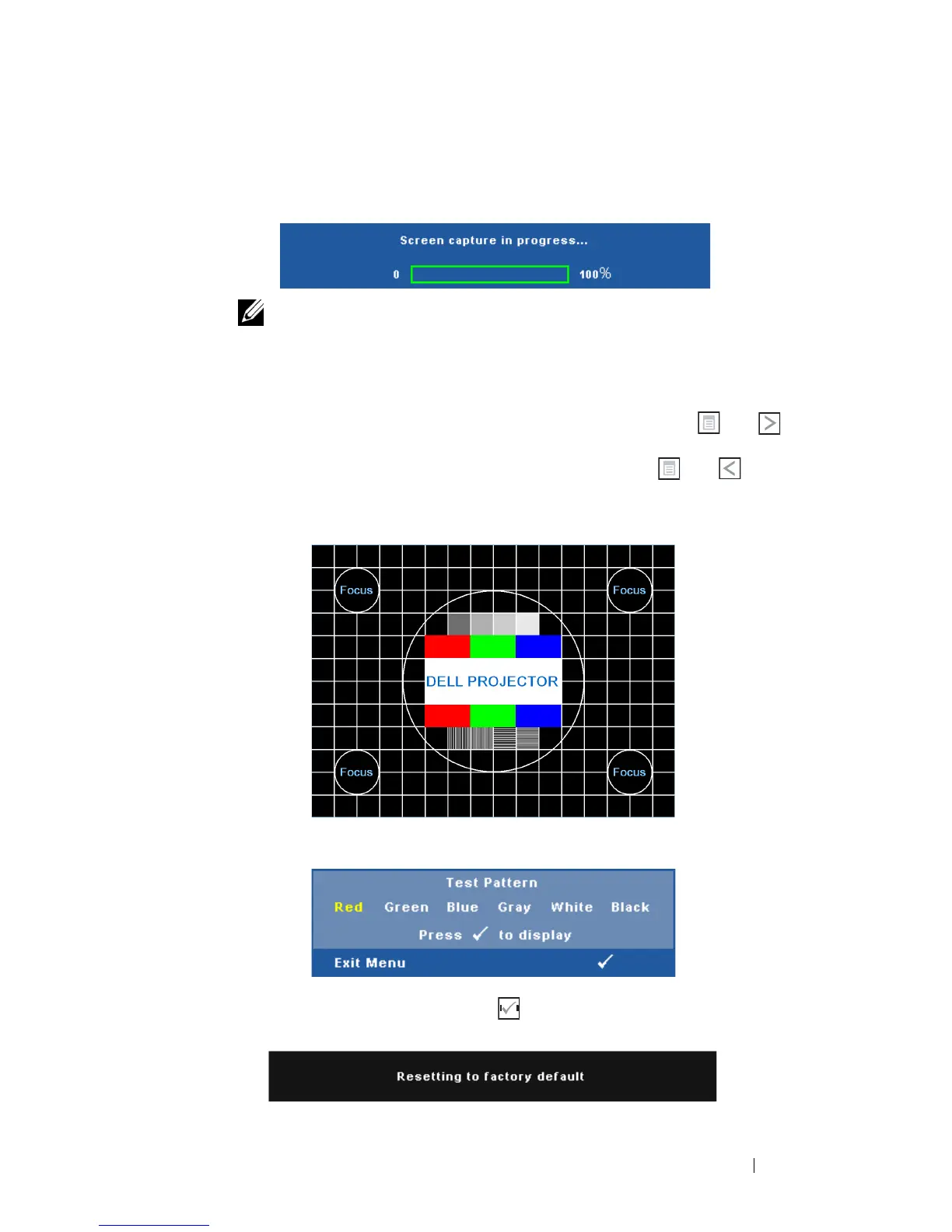
TEST PATTERN—Test Pattern is used to test focus and resolution.
You can enable or disable the Test Pattern by selecting Off, 1, or 2. You can
also invoke the Test Pattern 1 by pressing and holding down and
buttons on the control panel simultaneously for 2 seconds. You can also
invoke the test pattern 2 by pressing and holding down and buttons
on the control panel simultaneously for 2 seconds.
FACTORY RESET—Select and press to reset all settings to its factory
default. The below warning message appears:
Test Pattern 1:
Test Pattern 2:



 To Next Page