Using Your Projector 59
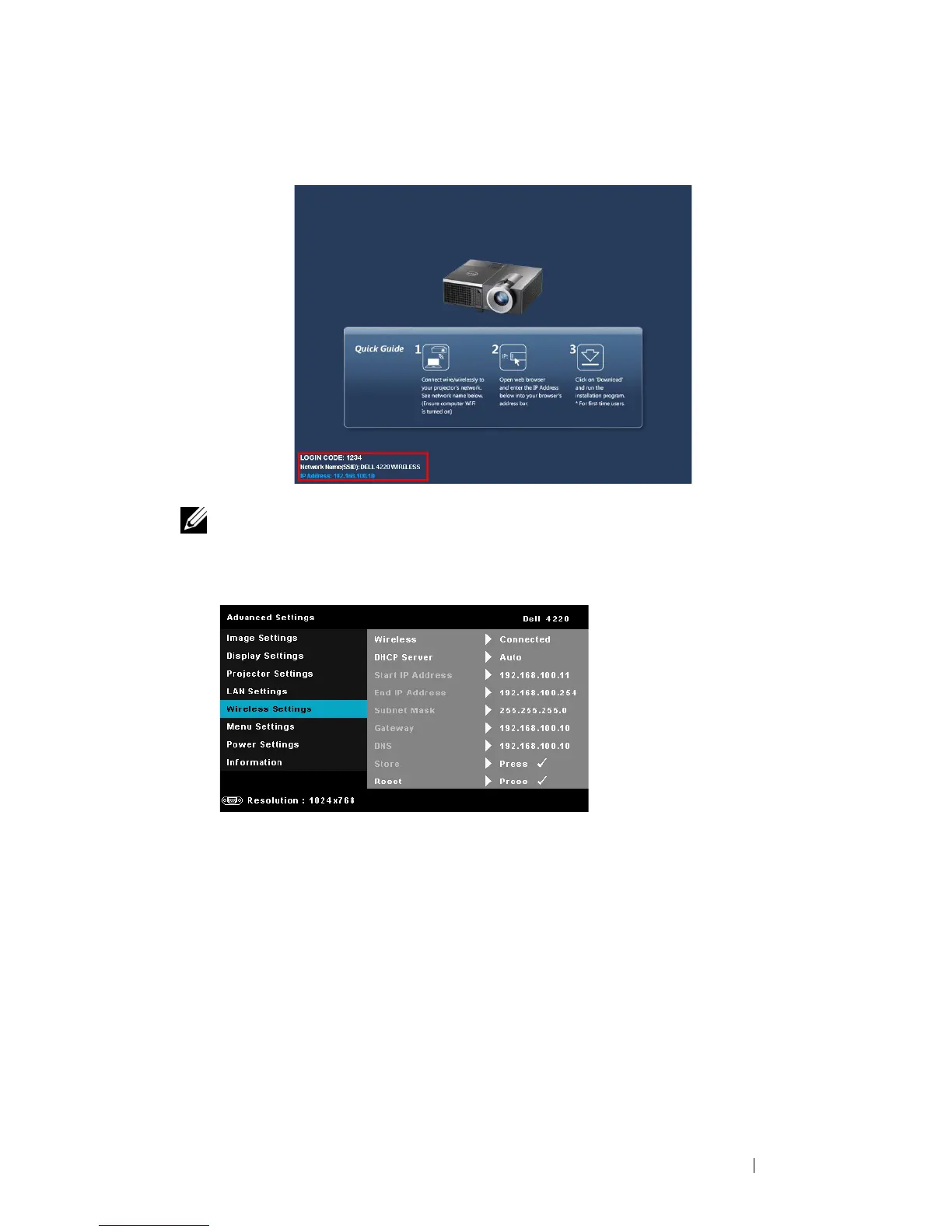
The
Wireless Guide Screen
shown below appears:
NOTE: If wireless connection is disabled, then follow these steps to set up:
ADVANCED SETTINGS J Wireless settings J Wireless J Connected. The
image input source will be automatically switched to wireless screen when
wireless option is selected in this step.
6
Take note of the
LOGIN CODE
,
NETWORK NAME
(
SSID)
, and
IP
ADDRESS
. You will need these information to log in later.



 To Next Page