76 Using Your Projector
NOTE: If your projector has installed the optional wireless dongle, you can also
select the wireless connection. See "Wireless Connection" on page 60.
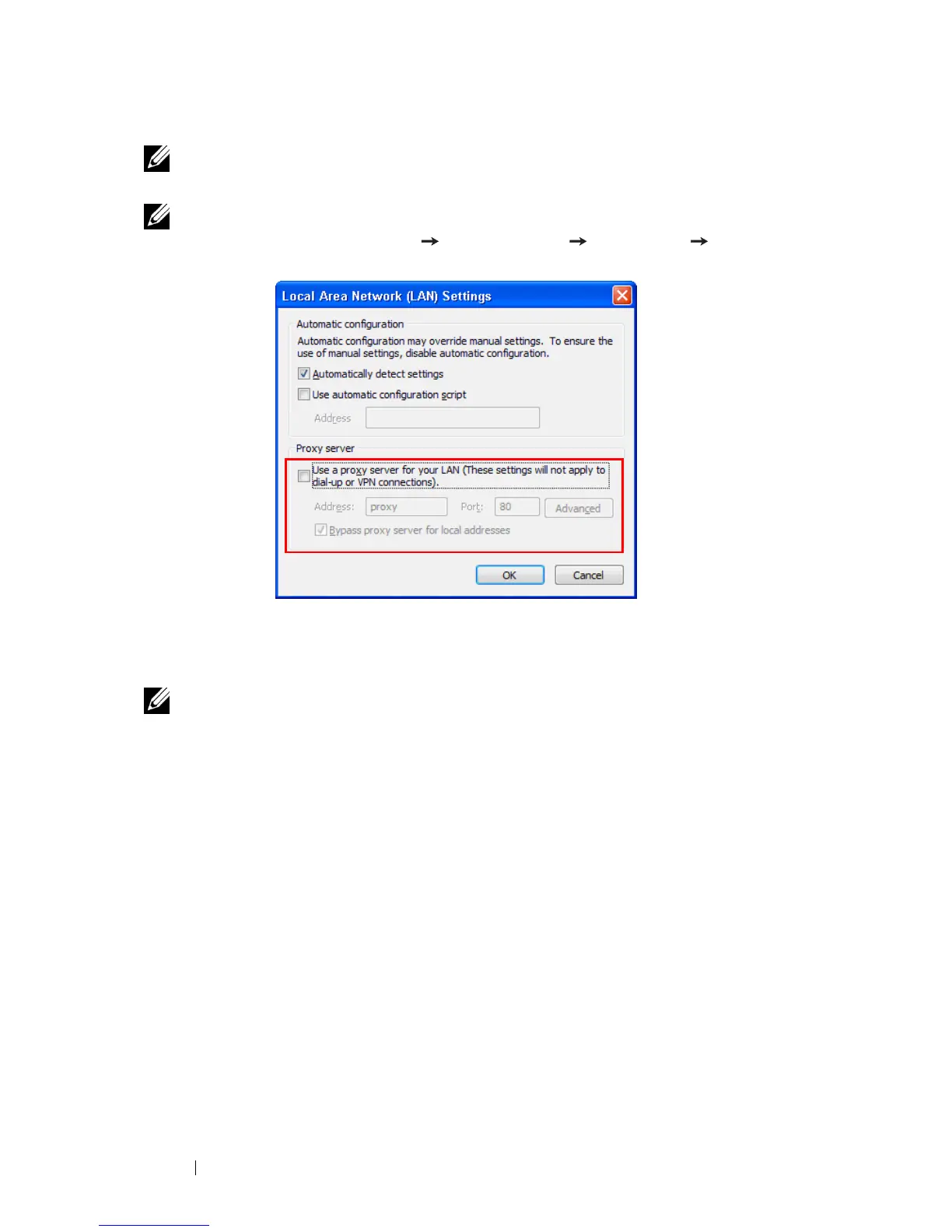
NOTE: It is recommended that all proxies are
turned off
. (In Microsoft
®
Windows 7: Click Control Panel Internet Options Connections LAN
Settings)
6
"Wireless Application Software" is required if the Wireless or LAN is used for
the Audio Projection set-up. Please download and install the software the first
time you use Audio Projection. If it is already installed, skip
Step 6 - 7
.
NOTE: You only need to install the "Wireless Application Software" once.
7
Wireless Application Software download and installation steps refer to "Install
the Wireless Application Software" on page 60.



 To Next Page