78 Using Your Projector
10
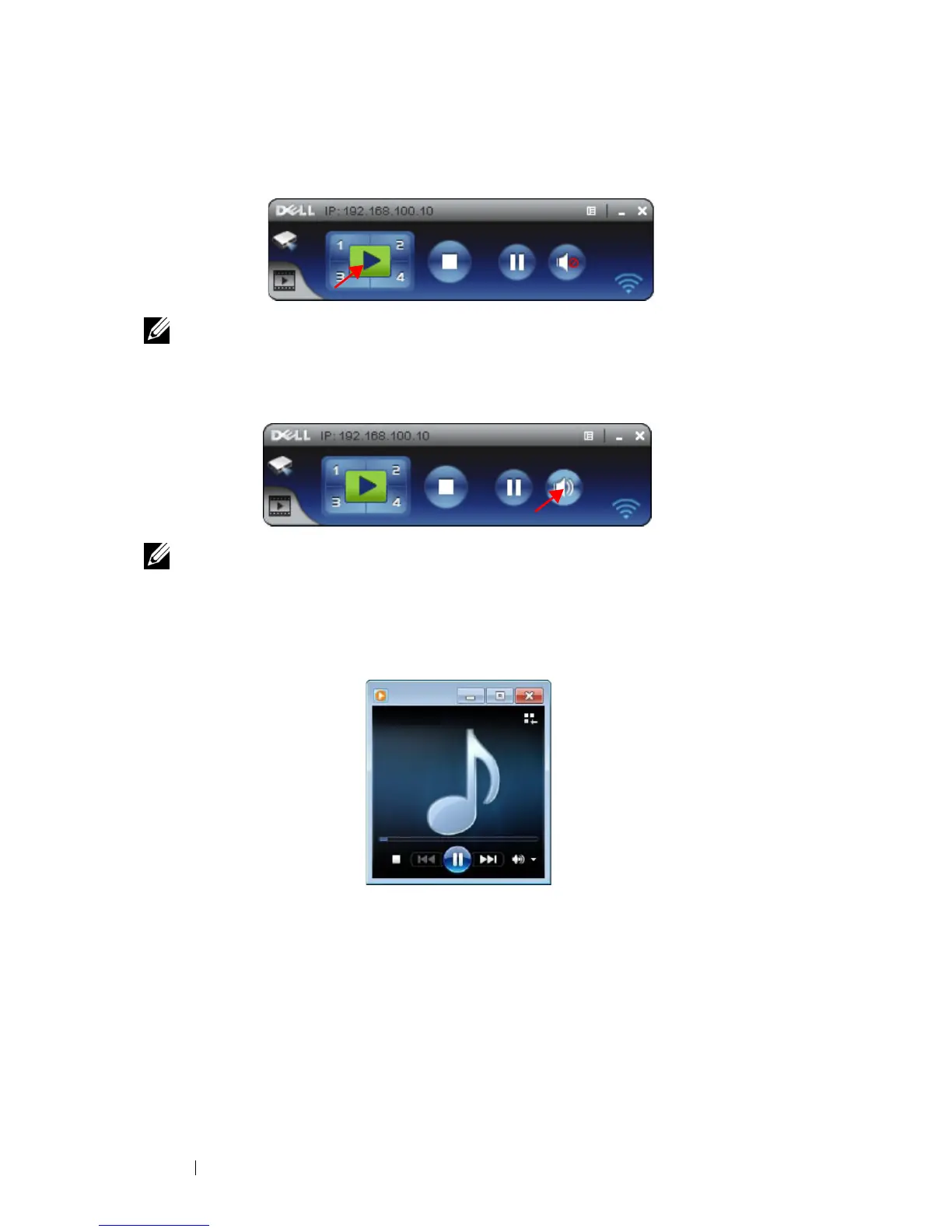
You are now logged into the 4220 or 4320 Wireless Application. Press the "Play"
button in the application to starting the LAN or wireless projection.
NOTE: You may use the controls to either project in full screen mode or in split
screen mode.
11
Press the "
Audio Projection
" button in the application to enable
Audio
Projection
function.
NOTE: Audio projector function need install extra driver, if your computer do
not install driver, will pop-up need install driver message on screen. You can
download the "extra driver" from the Dell Support site at support.dell.com.
12
Executing the Windows Media Player or others audio player software
(example: Winamp player...) on your computer.



 To Next Page