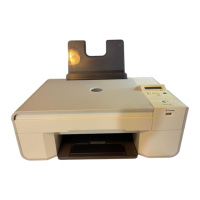
Use media that follows the printer's Media Guidelines.
Make sure that the media is properly loaded in the input tray.
Do not overload the input tray.
Do not remove media from the input tray while printing.
Flex, fan, and straighten the paper before loading.
Do not use creased, damp, or curled paper.
Orient the media according to the instructions for the printer.


 To Next Page