3. Click Start® Programs or All Programs® Dell Printers® Dell Photo AIO Printer 966.
For Windows Vista:
a. Click ® Programs.
b. Click Dell Printers.
c. Click Dell Photo AIO Printer 966.
4. Select Dell All-In-One Center.
The Dell All-In-One Center opens.
5. From the Productivity Tools section, click E-mail an image or document.
6. Follow the instructions on the screen to prepare the document for e-mail.
7. Click Next.
8. Open your e-mail program, write a note to accompany the attached document, and then send it.
NOTE: If you have questions about attaching documents to e-mail, consult the Help for your e-mail program.
Enlarging or Reducing Images or Documents
1. Turn on your computer and printer, and make sure they are connected.
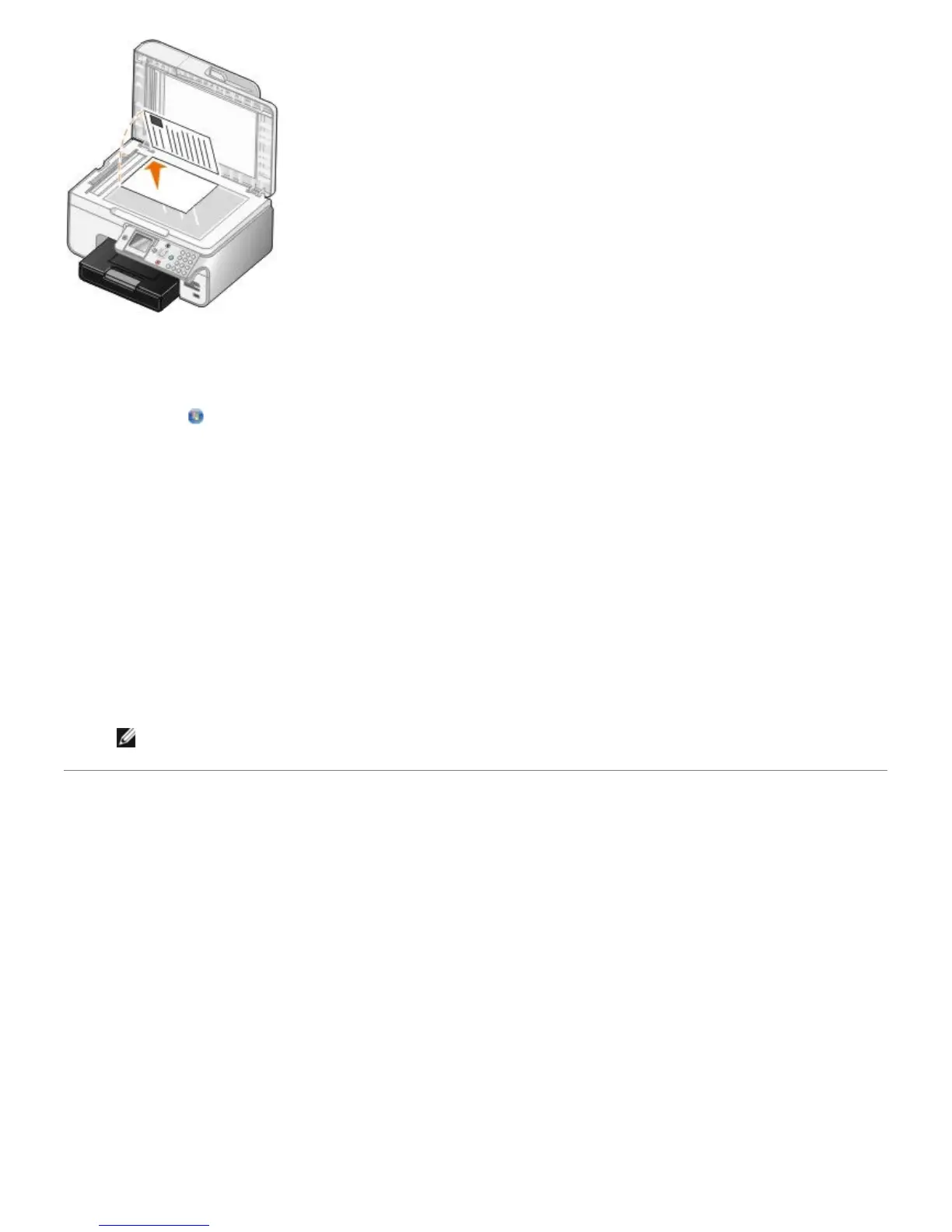
2. Load your original document.


 To Next Page