Loading Paper and Originals
Loading Paper Into Trays
Understanding the Automatic Paper Type Sensor
Loading Original Documents
Loading Paper Into Trays
Loading Paper
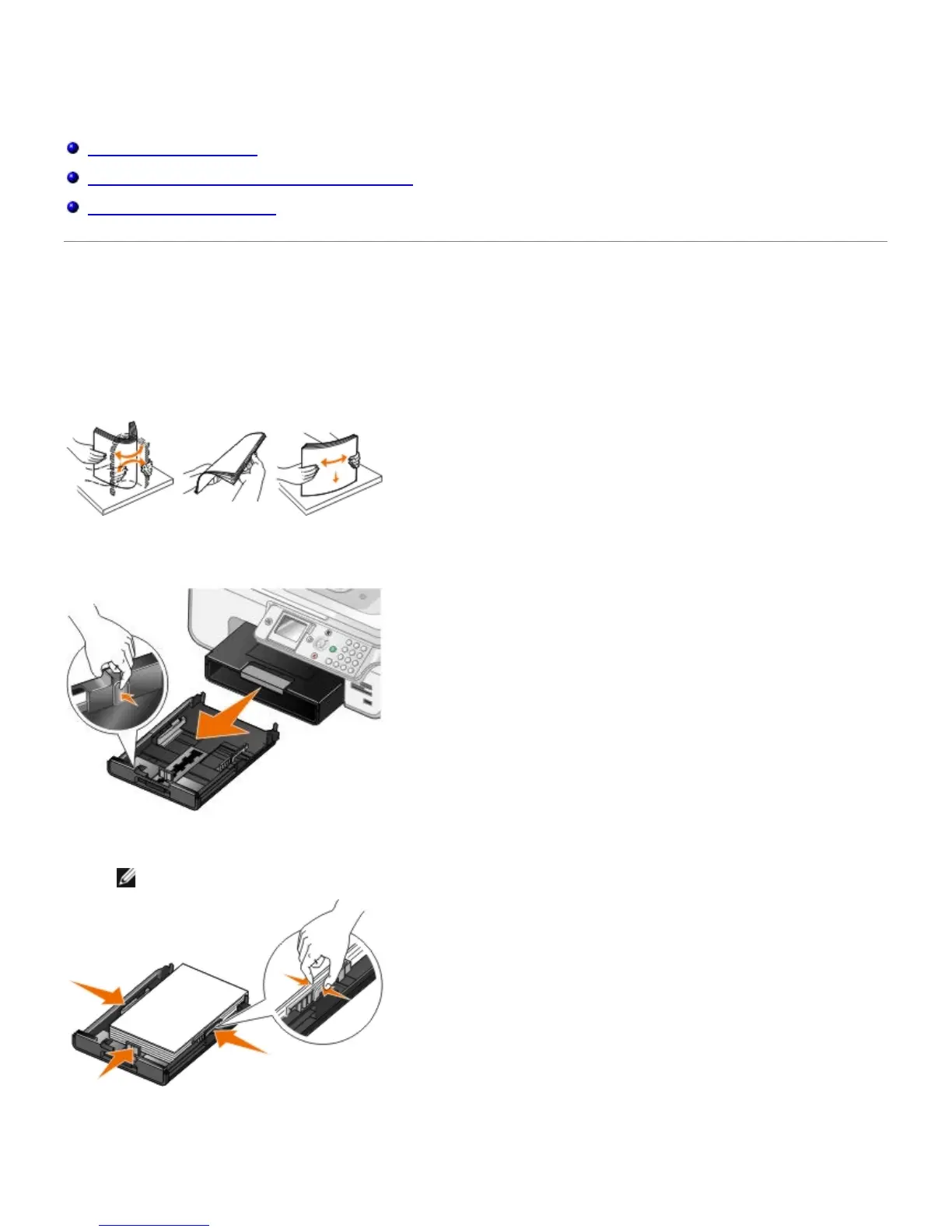
1. Fan the paper.
2. Remove the paper tray. Push the lever in, and then extend the tray until it is long enough to accommodate the
length of the paper.
3. Load paper in the paper tray, and adjust the paper guides.
NOTE: You can only load letter size, legal size, or A4 paper in the optional paper tray.
4. Replace the paper tray.


 To Next Page