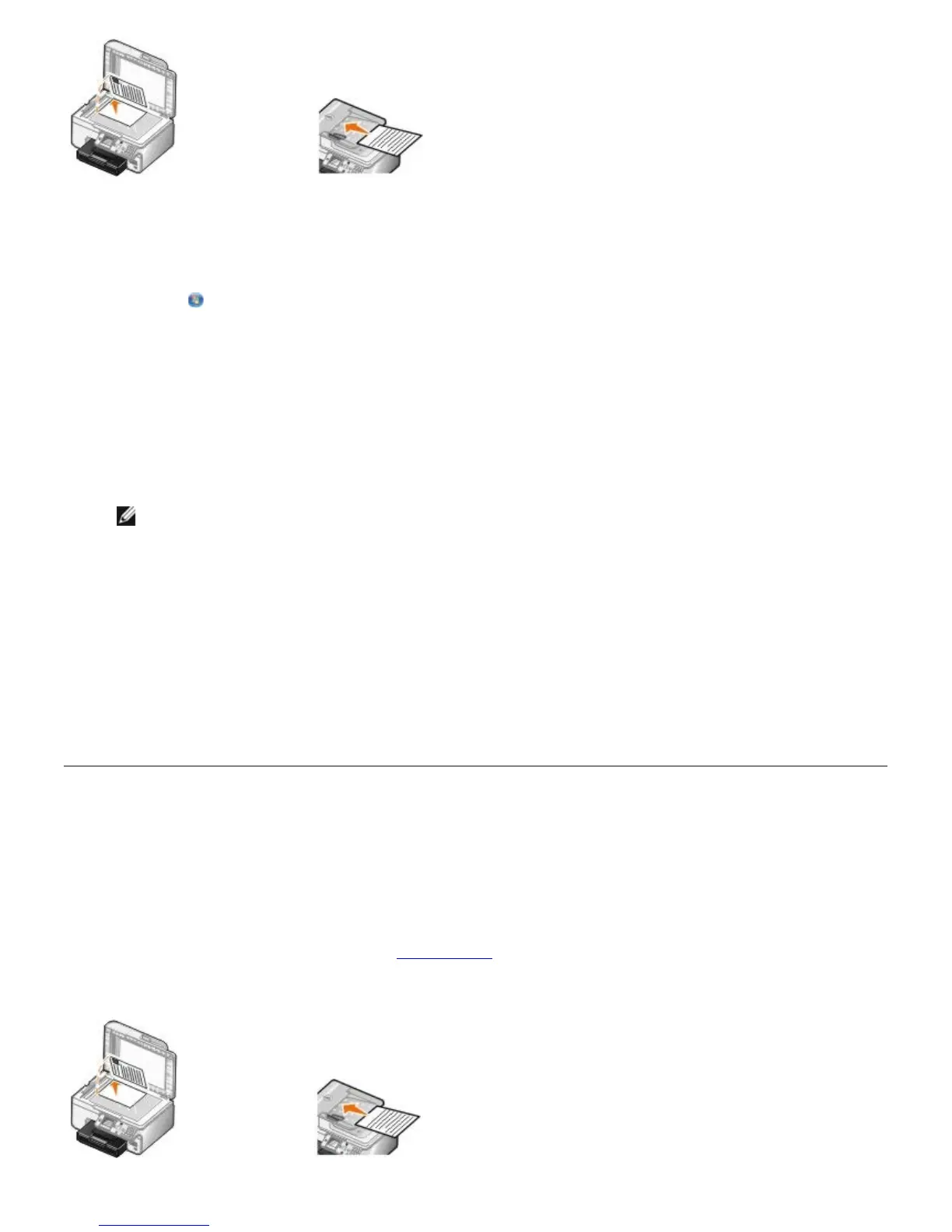
4. Click Start® Programs or All Programs® Dell Printers® Dell Photo AIO Printer 966.
For Windows Vista:
a. Click ® Programs.
b. Click Dell Printers.
c. Click Dell Photo AIO Printer 966.
5. Select Dell All-In-One Center.
The Dell All-In-One Center opens.
6. Select the number of copies (1–99), and then specify the color setting from the Copy drop-down menu.
NOTE: You must make more than one copy before you can collate documents.
7. Click See More Copy Settings to customize your copy.
8. Click the Advanced button.
The Advanced Copy Settings dialog box opens.
9. On the Print tab, select the Collate Copies check box.
10. Click OK.
11. When you are finished customizing your settings, click Copy Now.
Collating Copies
Using the Operator Panel
1. Turn on your printer.
2. Load the paper. For more information, see Loading Paper
.
3. Load your original document.


 To Next Page