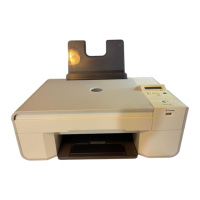
NOTE: To conserve power, press and hold the Power button to put your printer
on a 1 Watt–Off State. Your printer consumes minimal power at this state.
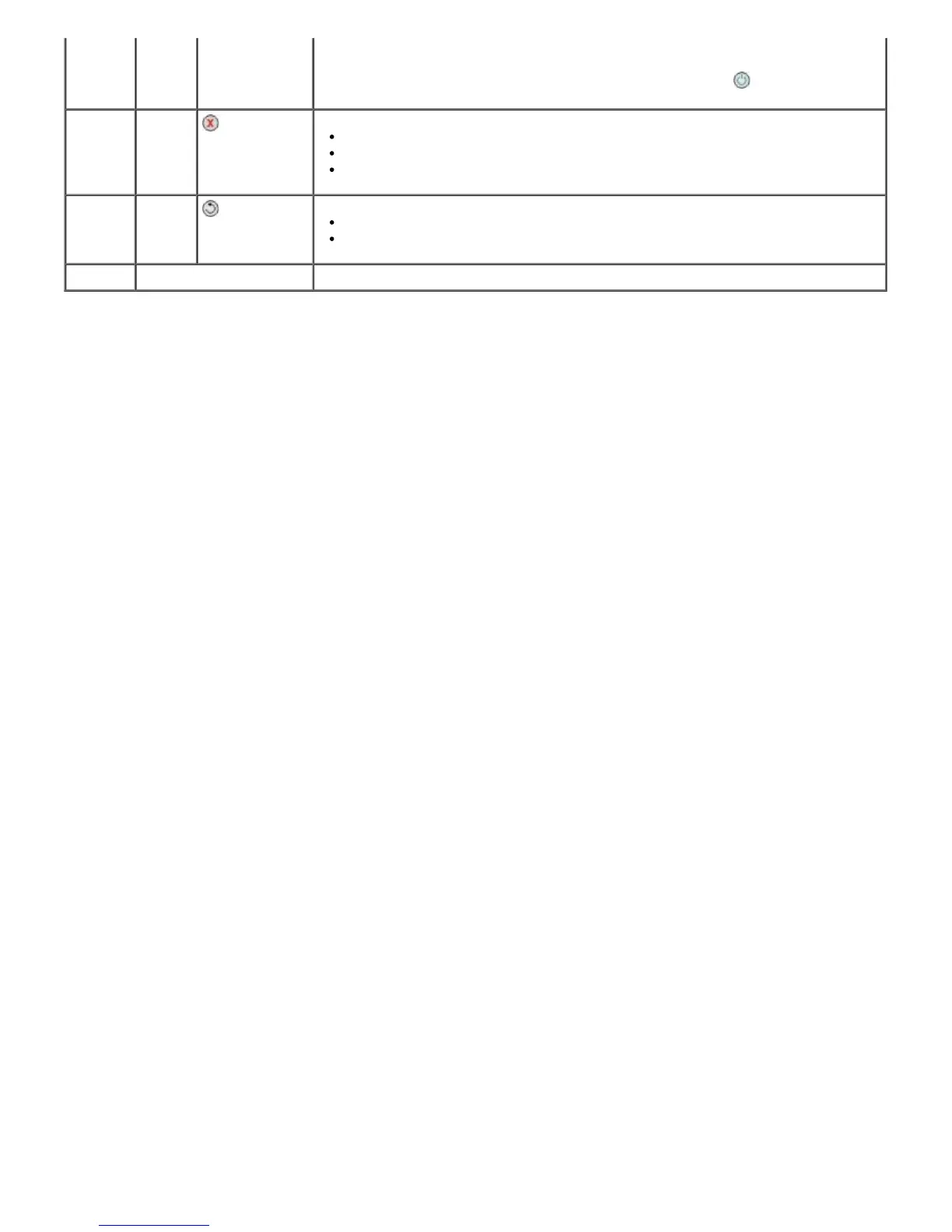
7 Cancel
button
Cancel a scan, print, or copy job in progress.
Cancel a copy job (using only the printer), and eject the page.
Exit a menu, and return to the default settings.
8 Back
button
Return to the previous menu or screen.
Save the changes made on a sub-menu temporarily.
9 Keypad Enter numerical data or text.


 To Next Page