Phone Book Edit Entry Menu
You can access the Phone Book: Edit Entry menu by pressing the Menu button when a speed dial number is
highlighted in either the Phone Number Search or Name Search menus.
Phone Book Add Entry Menu
You can access the Phone Book: Add Entry menu by selecting Add Entry from the Phone Book menu.
Group Search Menu
You can access the Group Search menu by selecting Group Search from the Phone Book menu.
Phone Book Edit Group Menu
You can access the Phone Book: Edit Group menu by pressing the Menu button when a speed dial number is
highlighted in the Group Search menu.
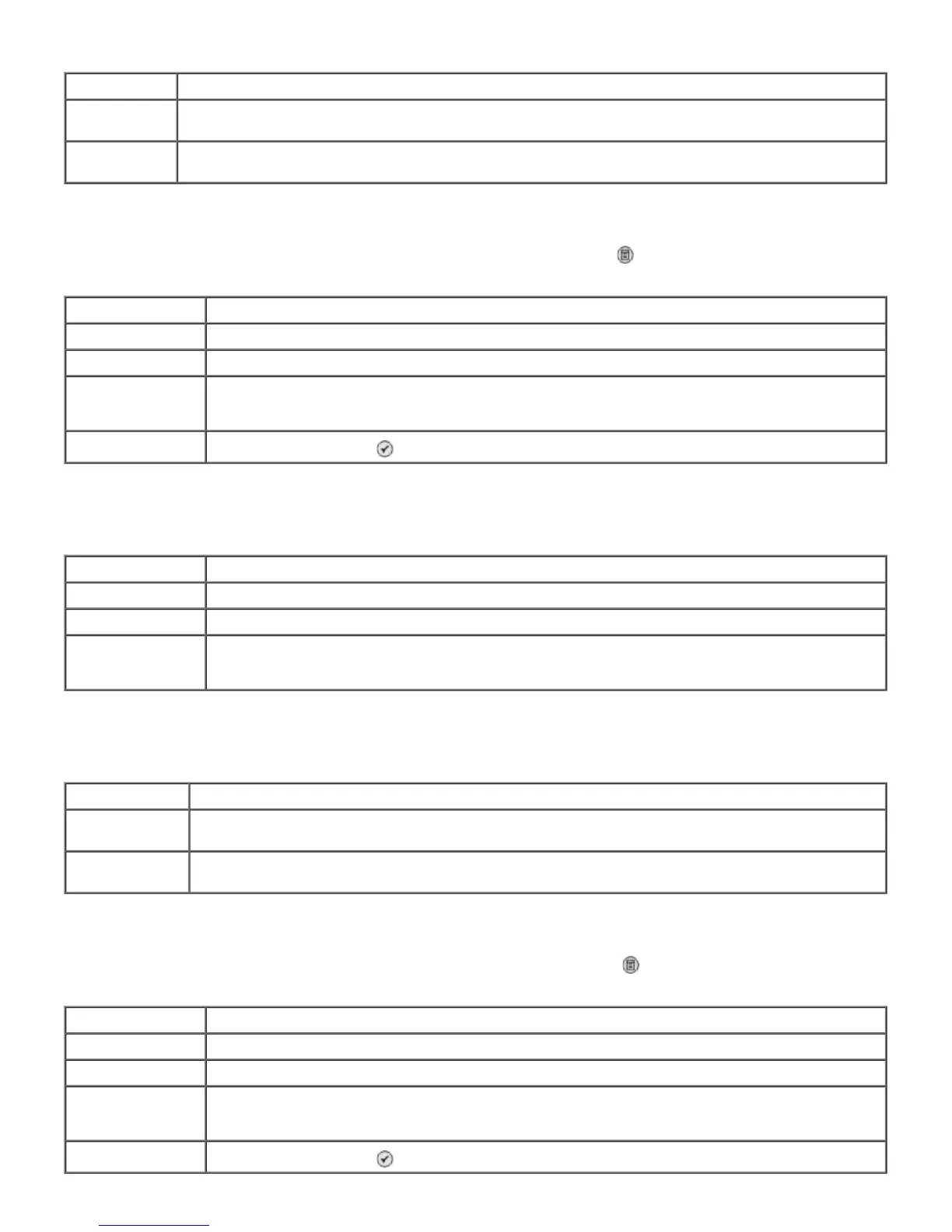
Menu item Action
Search Criteria
Window
Use the keypad to enter a number. The list automatically scrolls to the appropriate place in the phone
book.
Speed dial The fax numbers for the speed dial entries are shown. The number of speed dials listed depends on the
number of speed dials you specified on your printer.
Menu item Action
Name Use the keypad to edit the name for the contact.
Fax Number Use the keypad to edit the fax number for the contact.
Speed Dial Number The speed dial number assigned to this contact is displayed.
NOTE: The speed dial number is automatically assigned. You cannot modify the speed dial number.
Delete Entry Press the Select button
to delete the entry from the phone book.
Menu item Action
Name Use the keypad to enter the name for the contact.
Fax Number Use the keypad to enter the fax number for the contact.
Speed Dial Number The lowest available speed dial number is assigned for the contact.
NOTE: The speed dial number is automatically assigned. You cannot modify the speed dial number.
Menu item Action
Search Criteria
Window
Use the keypad to enter a letter.
Speed dial The fax numbers for the group entries are shown. The number of groups listed depends on the
number of groups specified in your printer.
Menu item Action
Name Use the keypad to edit the name for the group.
Fax Number Use the keypad to edit the fax numbers for the group.
Speed Dial Number The speed dial number assigned to this group is displayed.
NOTE: The speed dial number is automatically assigned. You cannot modify the speed dial number.
Delete Entry Press the Select button
to delete the entry from the phone book.


 To Next Page