Sending a Fax Using the Operator Panel
1. Make sure your printer is on and connected to an active telephone line.
2. Load the paper. For more information, see Loading Paper
.
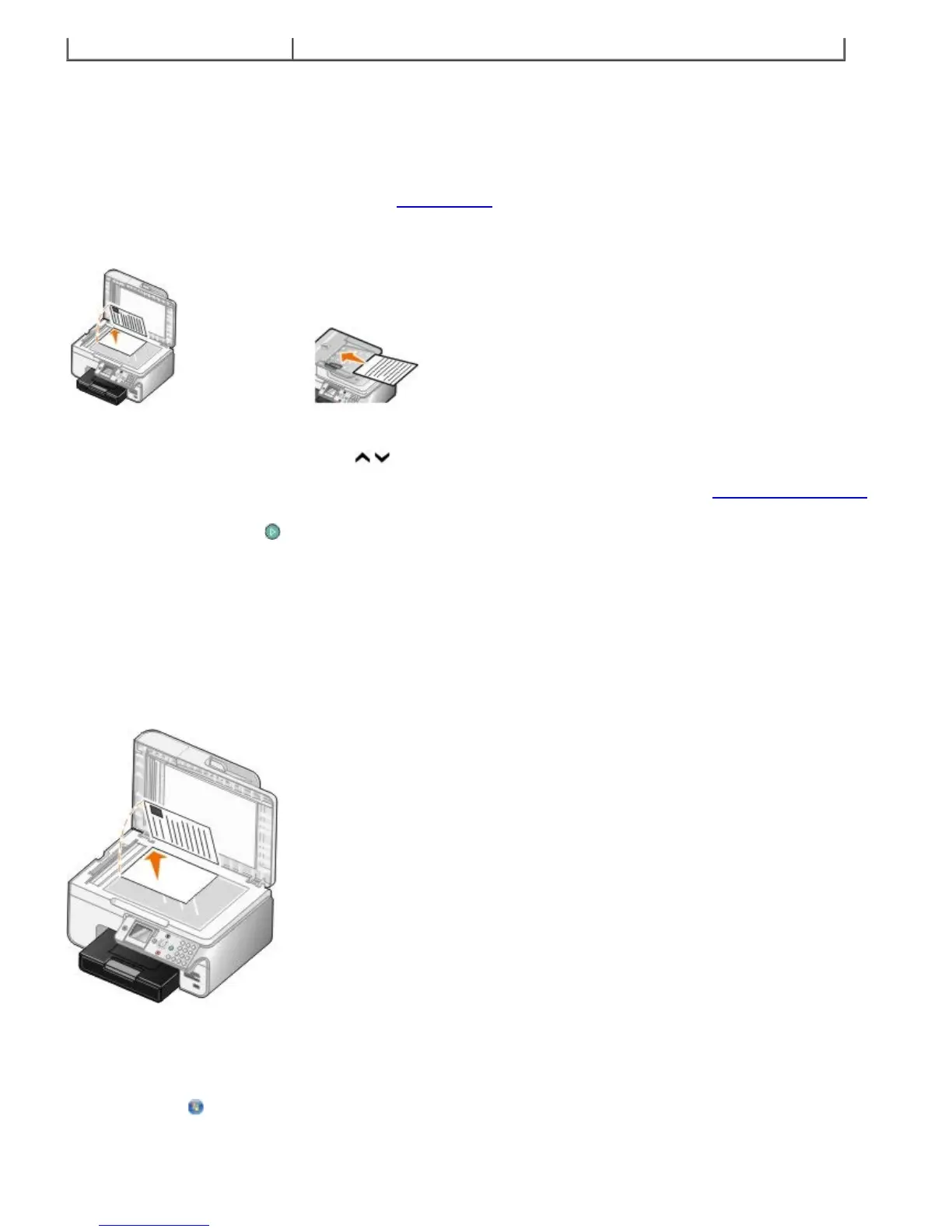
3. Load the original document.
4. Press the up or down Arrow button
to scroll to Fax.
5. Use the keypad to enter a fax number or a speed dial number. For more information, see Entering a Fax Number.
6. Press the Start button
.
Sending a Fax Using the Dell All-In-One Center
1. Turn on your printer and computer, and make sure they are connected. Make sure your computer modem is
connected to an active analog telephone line. If you have DSL broadband service on the same phone line that you
are using to fax, you must also have a DSL filter installed. Contact your Internet Service Provider for information.
2. Load your original document.
3. Click Start® Programs or All Programs® Dell Printers® Dell Photo AIO Printer 966.
For Windows Vista:
a. Click
® Programs.
b. Click Dell Printers.


 To Next Page