Setting up the monitor | 29
Organizing your cables
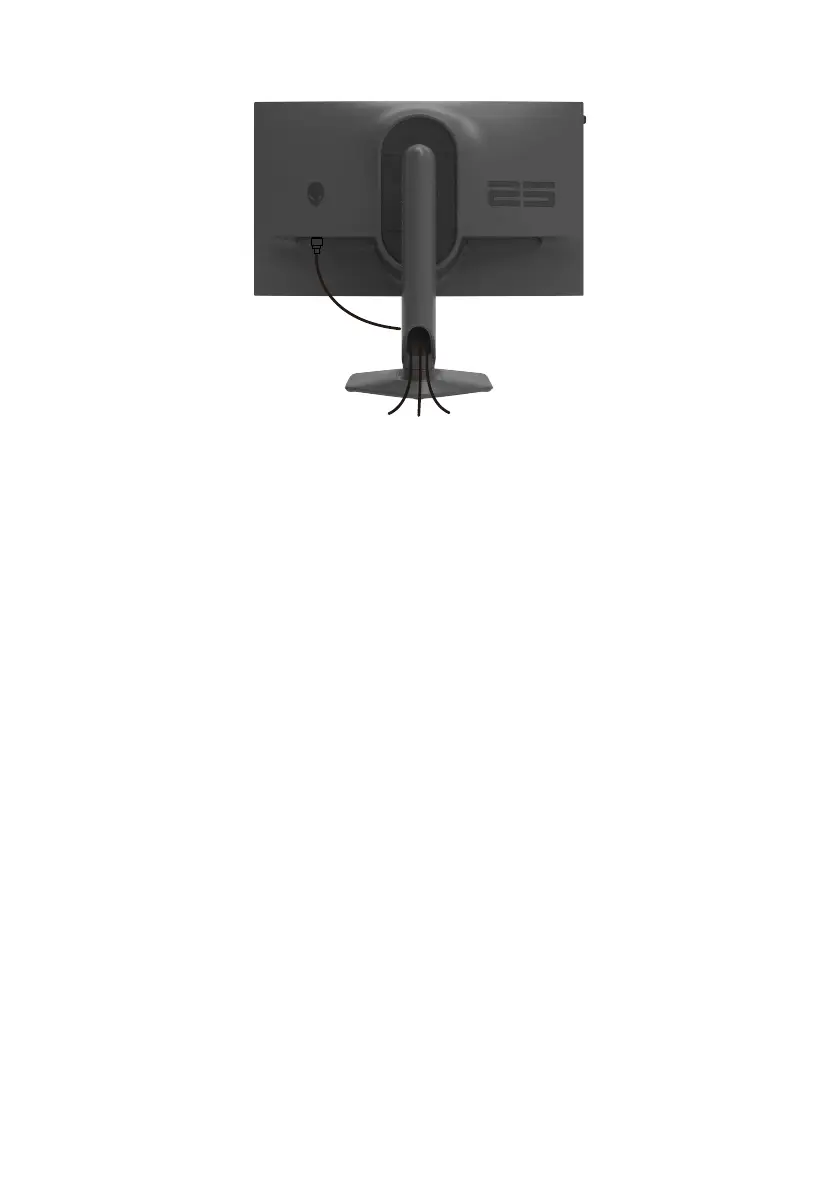
After attaching all necessary cables to your monitor and computer, (see Connect-
ing Your Monitor for cable attachment) organize all cables as shown above.
If a cable does not reach your computer when routing it through the monitor slot,
then connect the cable directly to the computer instead.












 To Next Page