44 | Operating the monitor
Icon Menu and
Submenus
Description
Reset Menu Resets all settings under the main Menu to the factory
defaults.
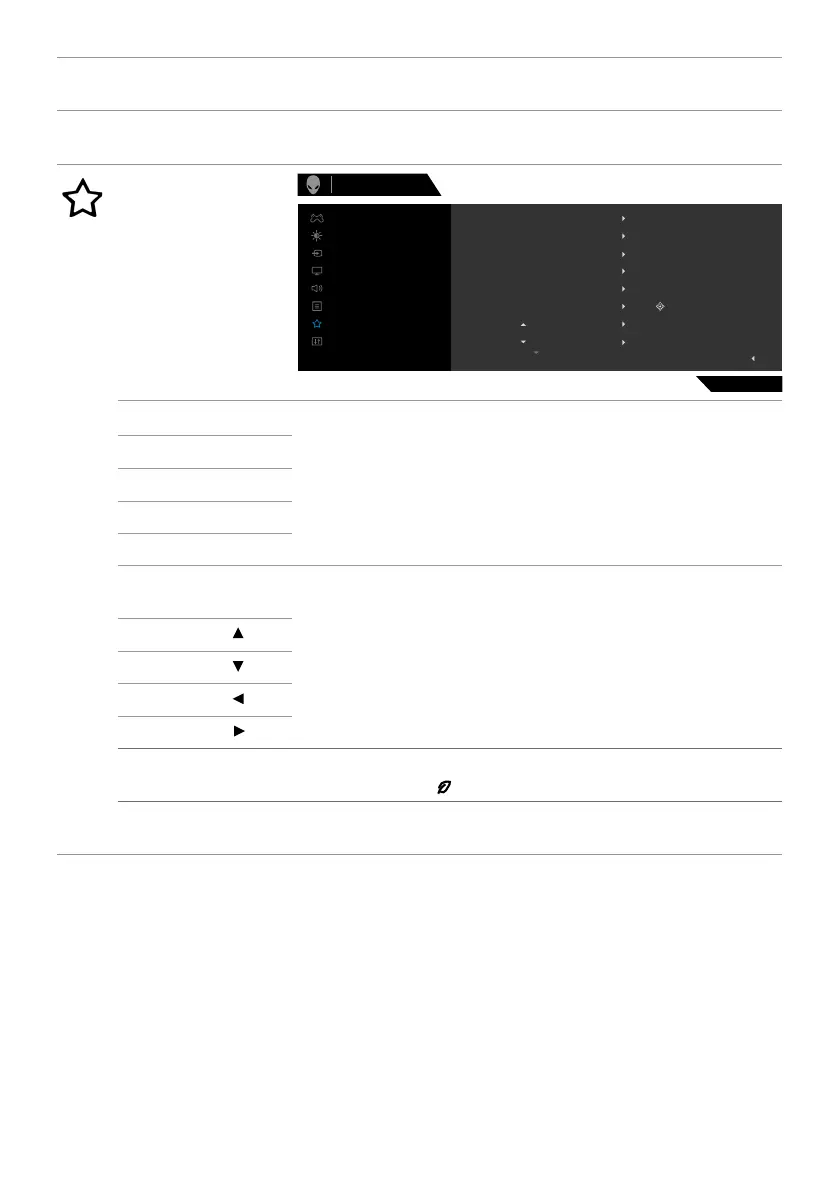
Personalize
Alienware 25 Monitor
AW2523HF
Shortcut Key 2
Shortcut Key 1
Shortcut Key 3
Dark Stabilizer
Preset Modes
AlienVision
AlienVision Toggle Preset
AlienVision -
Game
Shortcut Key 5
Shortcut Key 4
AlienVision Toggle List
Input Source
Brightness/Contrast
Exit
Display
Menu
Personalize
Others
Input Source
Audio
Brightness/Contrast
Key
Key
Select
Shortcut key 1
Allows you to choose a feature from Preset Modes,
Game Enhance Mode, Dark Stabilizer, AlienVision,
Brightness/Contrast, Input Source, Aspect Ratio,
Smart HDR, and Volume set it as a shortcut key.
Shortcut key 2
Shortcut key 3
Shortcut key 4
Shortcut key 5
AlienVision
Toggle list
Allows you to choose a feature Toggle Preset, Night,
Clear, Chroma, and Crosshair set it as a shortcut key.
AlienVision Key
AlienVision Key
AlienVision Key
AlienVision Key
USB Allows you to set the On in Standby Mode or Off in
Standby Mode to save energy.
Reset
Personalization
Resets all settings under the Personalize menu to the
factory preset values.












 To Next Page